Building in mChatAI+ AI Software as Assembly, Not One-Shot Generation: from Chess to Speed Chess to Chaos Chess.
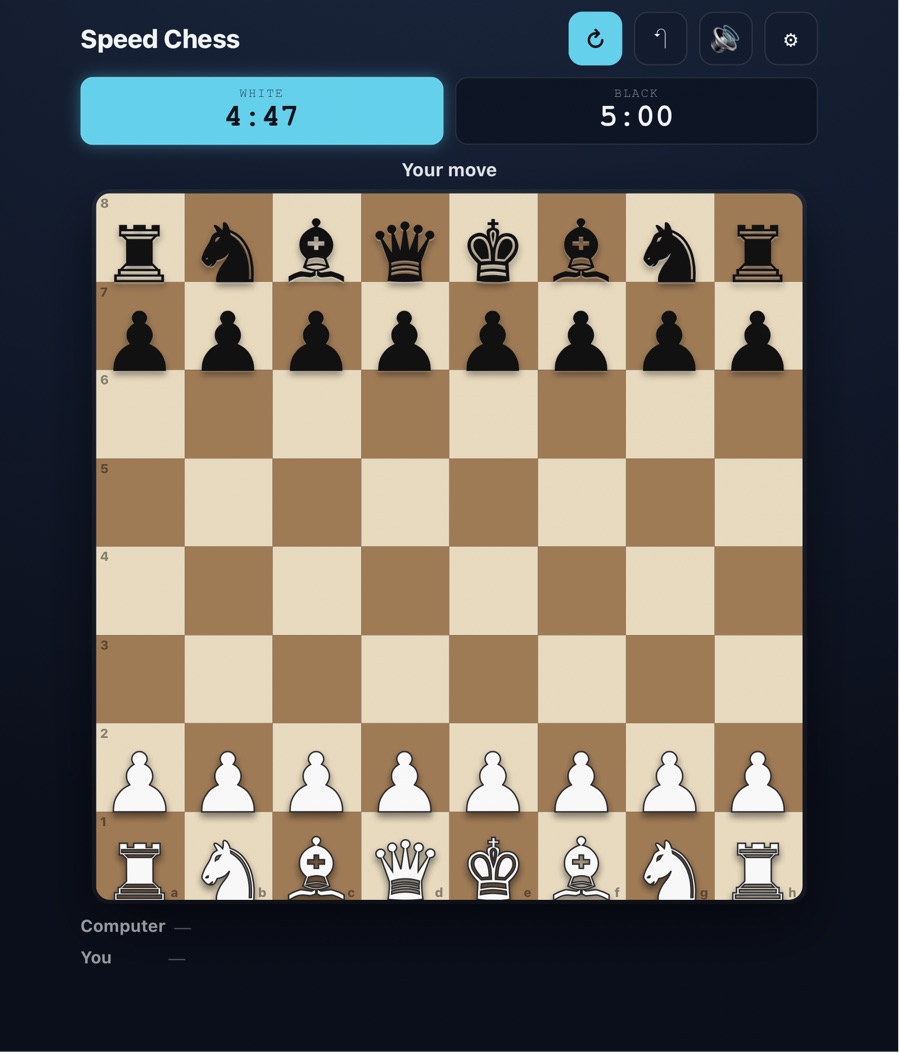
I built a chess game up over a series of turns, one focused edit at a time. From there I was able to quickly iterate different versions like Speed Chess, 6x6 chess and completely new games like Chaos Chess.
We've all seen the demos: you type one sentence, a giant model thinks for a while, and a finished program falls out. But that isn't how useful software actually gets built.
What is more realistic in AI software-building is assembly plus iteration. A model — perhaps even a cheap one — can compose from already-correct reusable parts, and then from there evolve it one focused change at a time.
You can browse the mchatai.com/hub and peruse the 100s of games that use lego code, but for today let's focus on the chess games in the hub which are live, playable and easy enough to turn into completely new game iterations with just a little imagination.
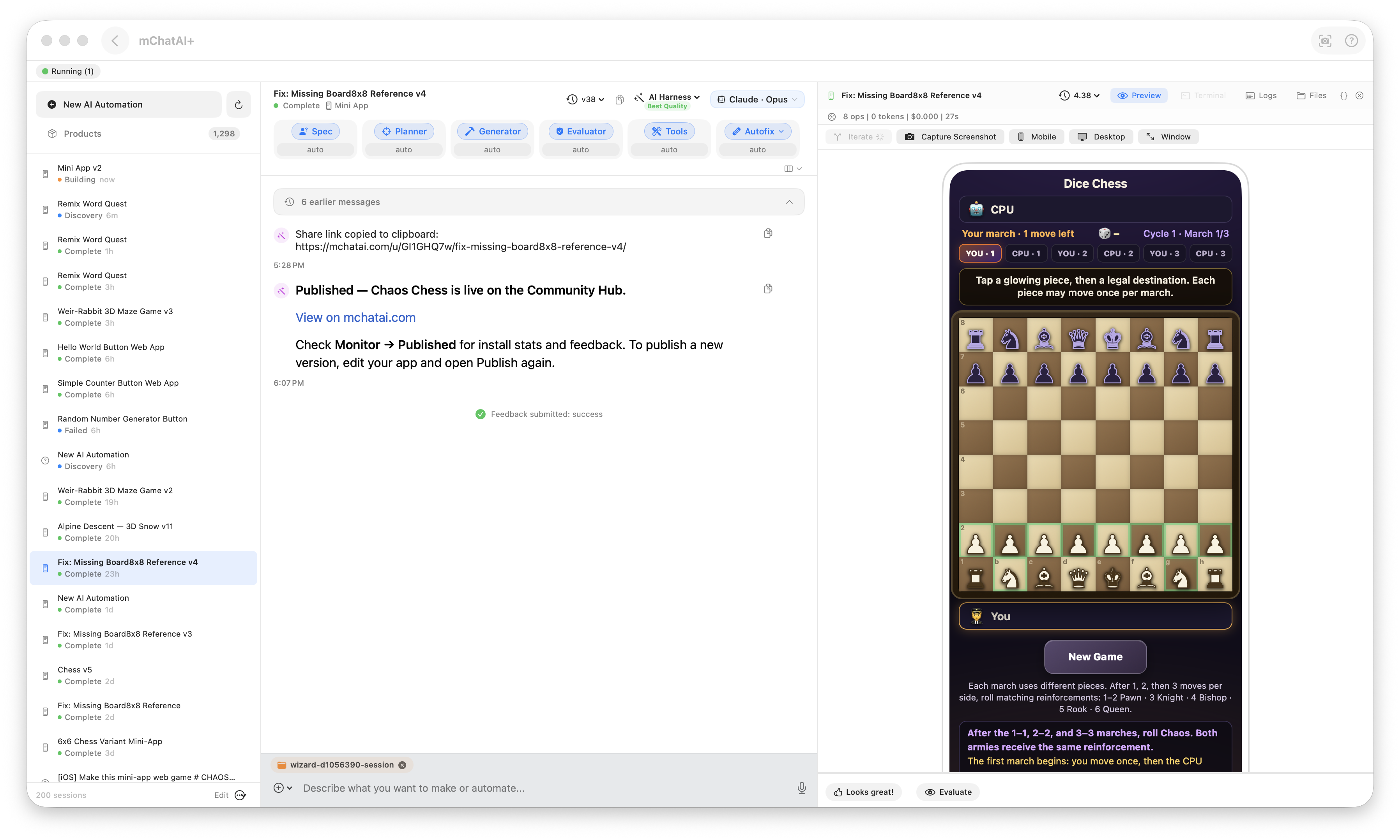 Inside the mChatAI+ Harness: the run history on the left (Chess v5, a 6×6 variant, Chaos Chess), a publish confirmation in the middle, and the live board on the right.
The original ask was demanding
Here's the exact goal that kicked it off, verbatim:
"Chess versus the computer with an Easy / Medium / Hard difficulty selector. The computer opponent MUST use a real chess engine (minimax with piece-square evaluation) that defends its pieces and does not give away material — not random moves. Easy = shallow search, Hard = deeper search."
Note that it asks for a real chess engine — one that defends, that gets stronger with search depth, that isn't shuffling pieces at random. This is the request that usually exposes toy AI builders, because a legal-move-generating, check-aware, alpha-beta-pruning chess engine is genuinely fiddly to get right from scratch.
But the model did not write a chess engine from scratch.
The engine came from the registry as Lego
Instead, it assembled the game out of reusable components — we call them Lego — pulled from a public code registry called mchatai-source. The parts it wired together, by their real paths:
entities/Board8x8.js— the 8×8 board modelentities/ChessRules.js— the legal-move engineentities/ChessAI.js— the opponententities/MinimaxAI.js— the generic searchcore/TurnBasedManager.js— turn orchestrationresources/AudioManager.js— procedural sound
ChessRules.js does per-piece pseudo-legal move generation, then filters those moves so you can't leave your own king in check (_wouldLeaveKingInCheck / isKingInCheck). It detects checkmate and stalemate. It handles castling, en passant, and pawn promotion. It has a FEN position parser and a move-history stack. ChessAI.js is negamax with alpha-beta pruning — literally if (alpha >= beta) break — over a material-plus-piece-square-table evaluation. The piece values are the classic ones: pawn 100, knight 320, bishop 330, rook 500, queen 900, king 20000.
The difficulty selector is a search depth knob: DEPTHS = { easy: 2, medium: 3, hard: 4 } plies. Depth 3 gets you a competent move in about a second; depth 0 is an instant random legal move. "Easy = shallow search, Hard = deeper search".
The engine is correct because its parts were already correct and tested — not because a very large model got lucky on one very long generation.
"MUST use a real chess engine" — is satisfied by reaching for parts that were already correct, not by asking a model to reinvent them and hoping.
Then the interesting work started: iteration
A working chess-vs-computer game is the beginning, not the end. The real fun showed up when I started evolving it with further bug fixes and iterations:
mobile-first. Maximize the board to fill the mobile width with 44px-plus touch targets.
castling notation. Handle castling.
the speed clock. Two mm:ss countdown clocks (whiteTime / blackTime); on each move you stop your clock and start your opponent's; at 0:00 that side loses on time — "White wins on time" / "Black wins on time" —That single feature turned "chess vs. computer" into Speed Chess.
So the true arc is small and legible: chess engine origin → mobile-friendly → castling → speed clock, shipped as v5. Nobody sat down and specced "Speed Chess" up front. It became Speed Chess because we already had chess, and each new step was cheap to make and cheap to verify.
The frontier-model flex is to generate a whole program from scratch. The assembly approach is gradual sculpting from known good lego components.
What the harness does between those edits
That last part — "cheap to verify" — is where the tooling earns its keep. The builder is AI Harness, inside mChatAI+ for macOS. It turns a plain-English goal into a playable mini-app and then iterates the same way. Four behaviors made the chess arc safe to run at speed:
- Verified before install. Each build is loaded and render-checked before it lands. If it fails, the harness auto-iterates instead of handing me something broken.
- Made offline-safe. External references get localized, so the final artifact runs with no network at all.
- Side-by-side versions. Base, castling, clock, mobile — kept as distinct, comparable builds, so "did the clock break castling?" is a thing you can actually look at.
- One publish flow. A single step ships a self-contained bundle to the Community Hub, playable in any browser with nothing for the player to install.
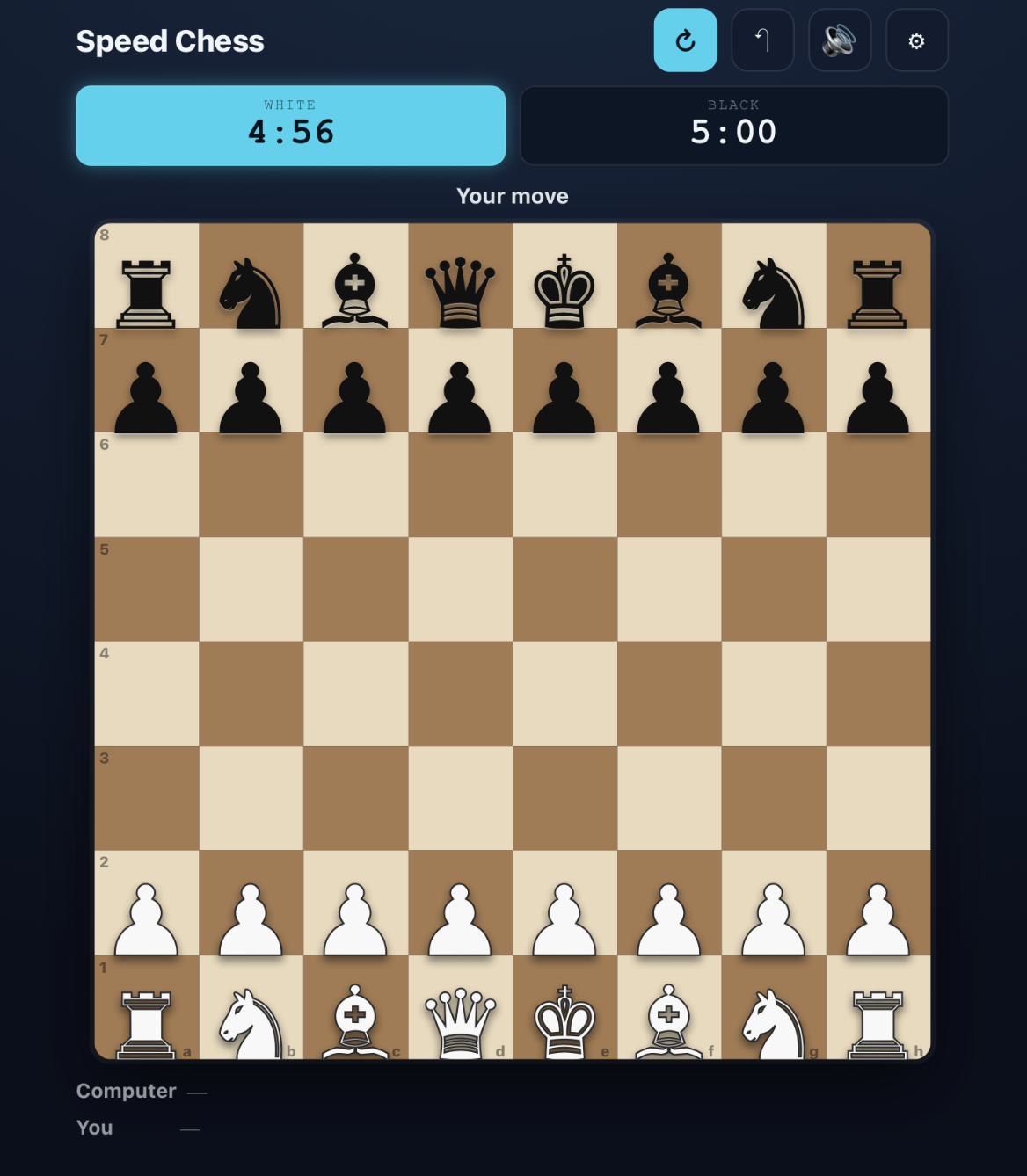
You can play the result right now: Speed Chess. The build materials and version detail live at the detail page behind a free sign-in.
The rest of the platform
The chess story leans on three more pieces worth naming.
The open-source companion, and a sandbox boundary. mChatAI+ ships from one codebase on two channels. The Mac App Store build is fully sandboxed and clean: it talks to models directly with your keys and renders + verifies mini-apps in a WKWebView. It does not shell out. The unsandboxed muscle — driving coding-agent CLIs, running local toolchains and microservices — is delegated to a separate, open-source menu-bar companion, mChatAIShell. It runs a local HTTP server on port 8765 with bearer-token auth on every request, does capability probes, executes shell, manages Python microservice sidecars and git packages, and takes screenshots via ScreenCaptureKit. It spawns Claude Code, Codex, and Gemini as dev sessions. API keys live in the macOS Keychain — mChatAI+ is the writer, mChatAIShell is a reader that injects them as env vars into dev processes. No keys in files, none over HTTP. Splitting muscle from the sandboxed app is deliberate and it respects Apple's sandbox, and it's honest about what runs where.
The iOS bridge. mChatAI for iOS calls hundreds of cloud models from your phone (BYOK), and it bridges to your Mac over a Firebase relay — so you can kick off and preview Harness jobs running on your mChatAI+ Mac, remotely, from your phone. Get it on the App Store.
mchatai-source: prompts, wisdom, and resources. mchatai-source is a public, MIT-licensed code registry on GitHub — skills/, miniapps/, games/, microservices/, frameworks/ (home of the web-components Lego), pipelines/, agents/, wisdom/, llm-catalog/, and a master catalog.json. Every artifact carries a manifest.json and a quality score. It also carries wisdom packs: versioned JSON rules, each with a WHY grounded in a real complaint or a real shipped bug.
Chess can keep branching
Speed Chess wasn't the only thing that came out of that core:
- chaos-chess — chess, but every three turns a dice roll drops a brand-new piece onto the board. Same legal-move engine underneath; one wild rule layered on top.
- 6×6 chess — the same game on a compact 6×6 board.
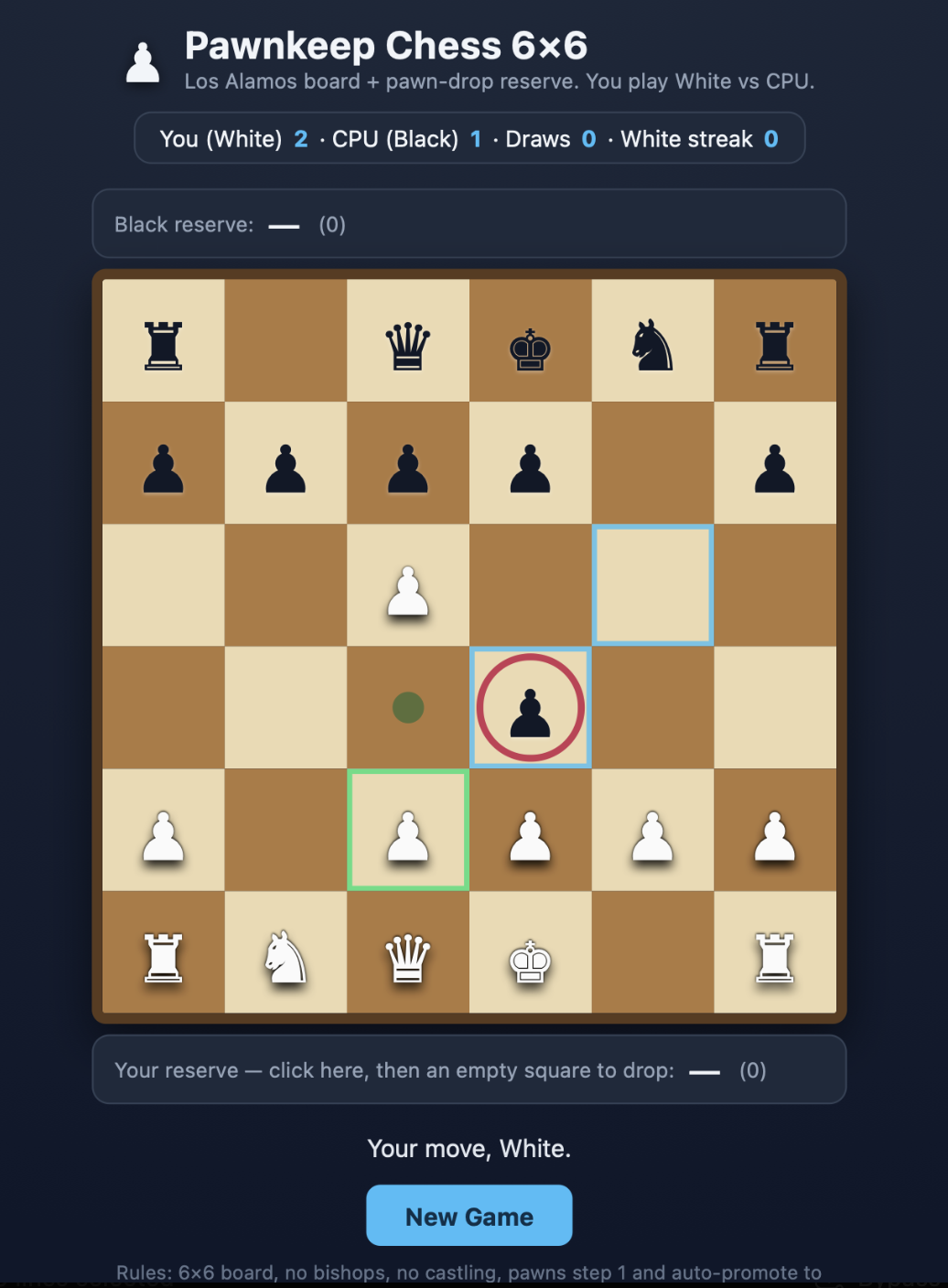
The same registry Lego — Board8x8, ChessRules, ChessAI — assembles into a purist's game and into dice-roll chaos.
The reframe
Don't just picture AI software as one enormous model dictating a finished program. Picture affordable models reaching into a git registry of already-correct parts, wiring them into something that works, verifying it before it lands, and then evolving it one prompt at a time.
If you want the sandboxed builder itself, it's on the Mac App Store: mChatAI+ — it builds and verifies mini-apps in-sandbox with your own keys. (The CLI dev-sessions in the receipts above run through the separate open-source companion, mChatAIShell.) The parts are public at mchatai-source on GitHub. And the chess is right here — go take time off the computer.
More build write-ups at mchatai.com/blog.
— Lawrence