Everything mChatAI+ does
One native Mac app, 42 applets. Chat, writing, audio, reading, maps, decks, data, video — plus a build surface that turns a sentence into a working mini-app. Every screenshot below is the real app.
31 are on the home screen out of the box; 11 more are in the direct download, behind its Show Experimental switch.
Everyday
The surfaces most people open first.
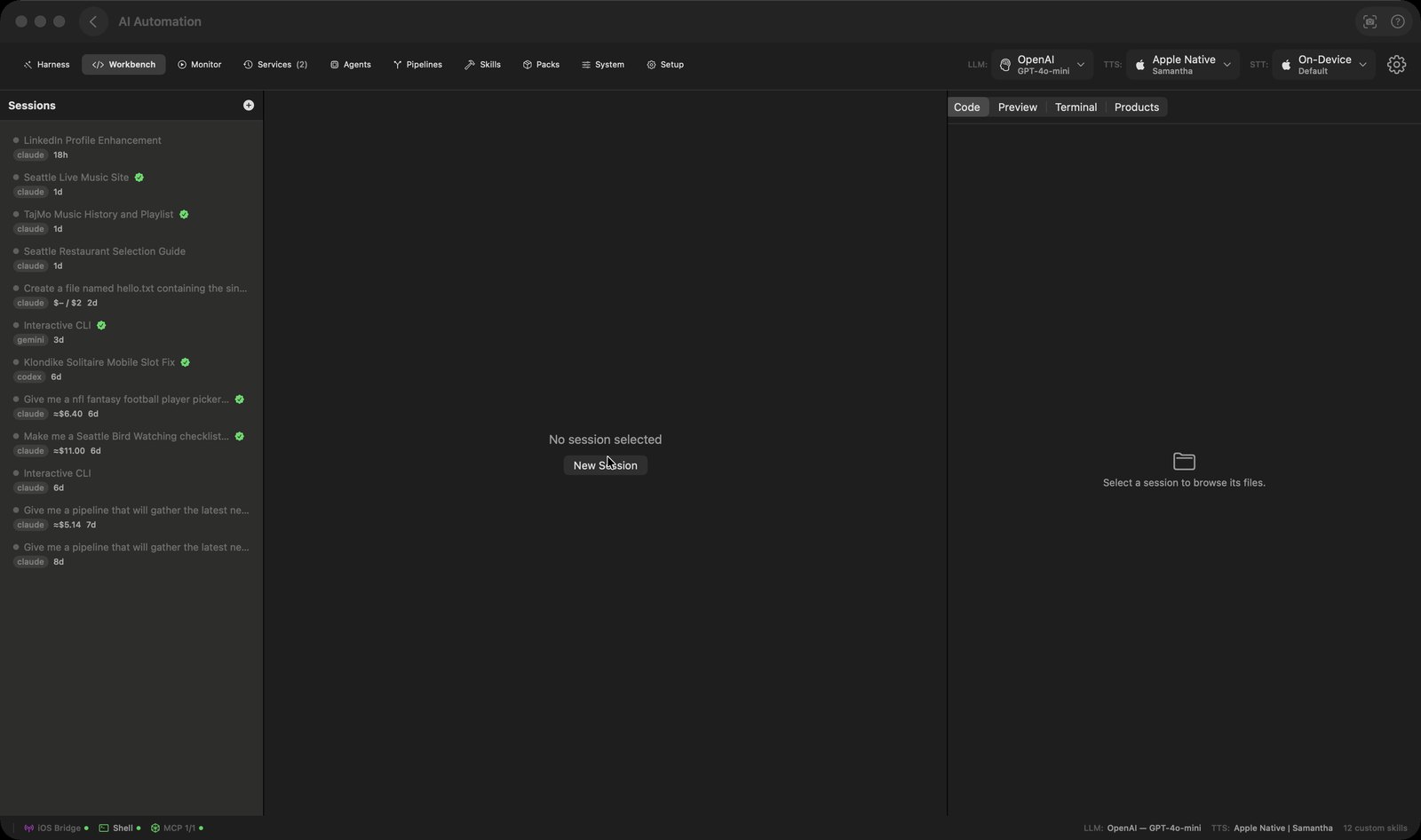
AI Automation
Pipelines, agents & skills. Describe what you want built and it builds it, or wire skills together on a canvas yourself.
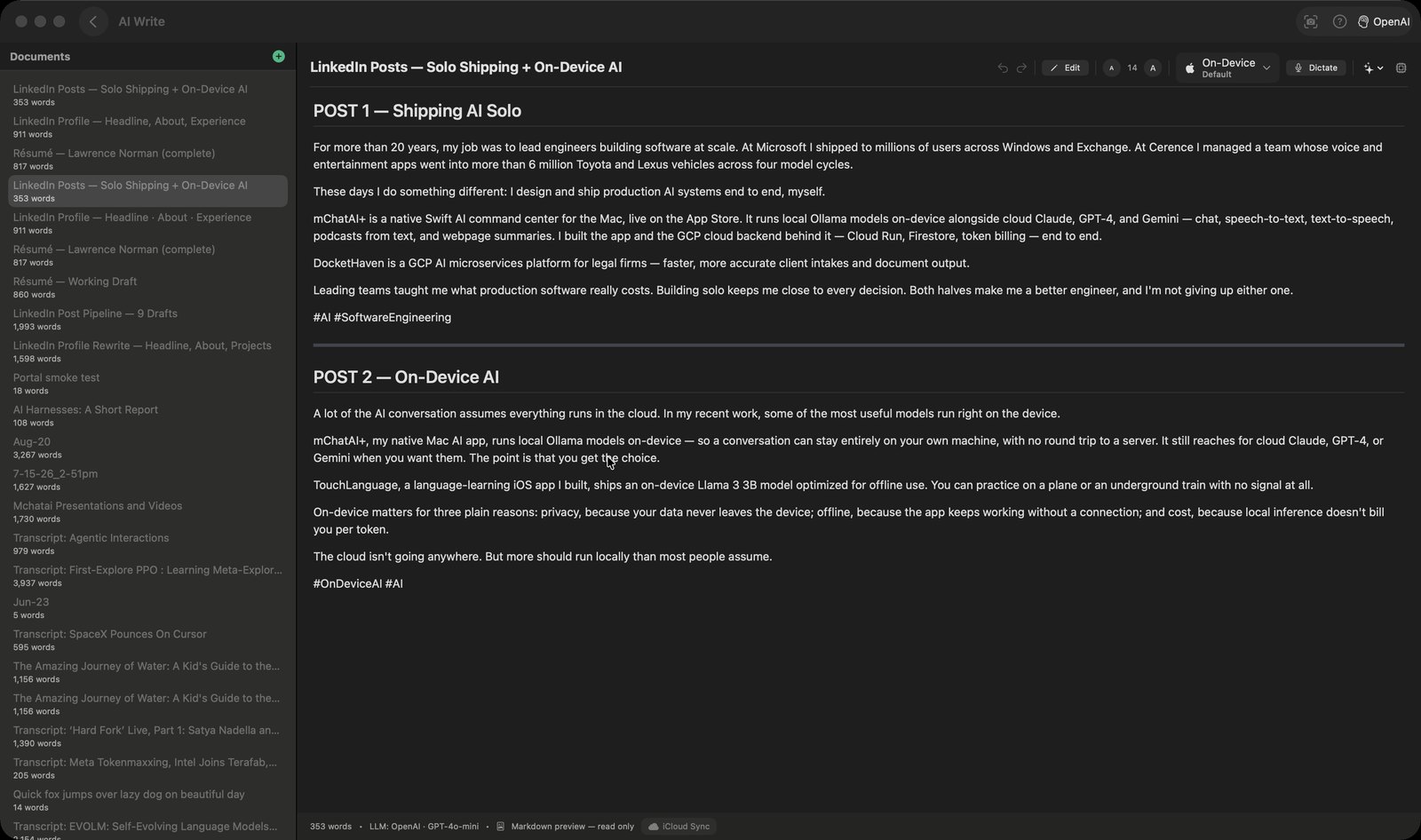
AI Write
AI writing assistant. A document editor with ten one-click AI edits: fix grammar, adjust tone, simplify, summarize, expand.
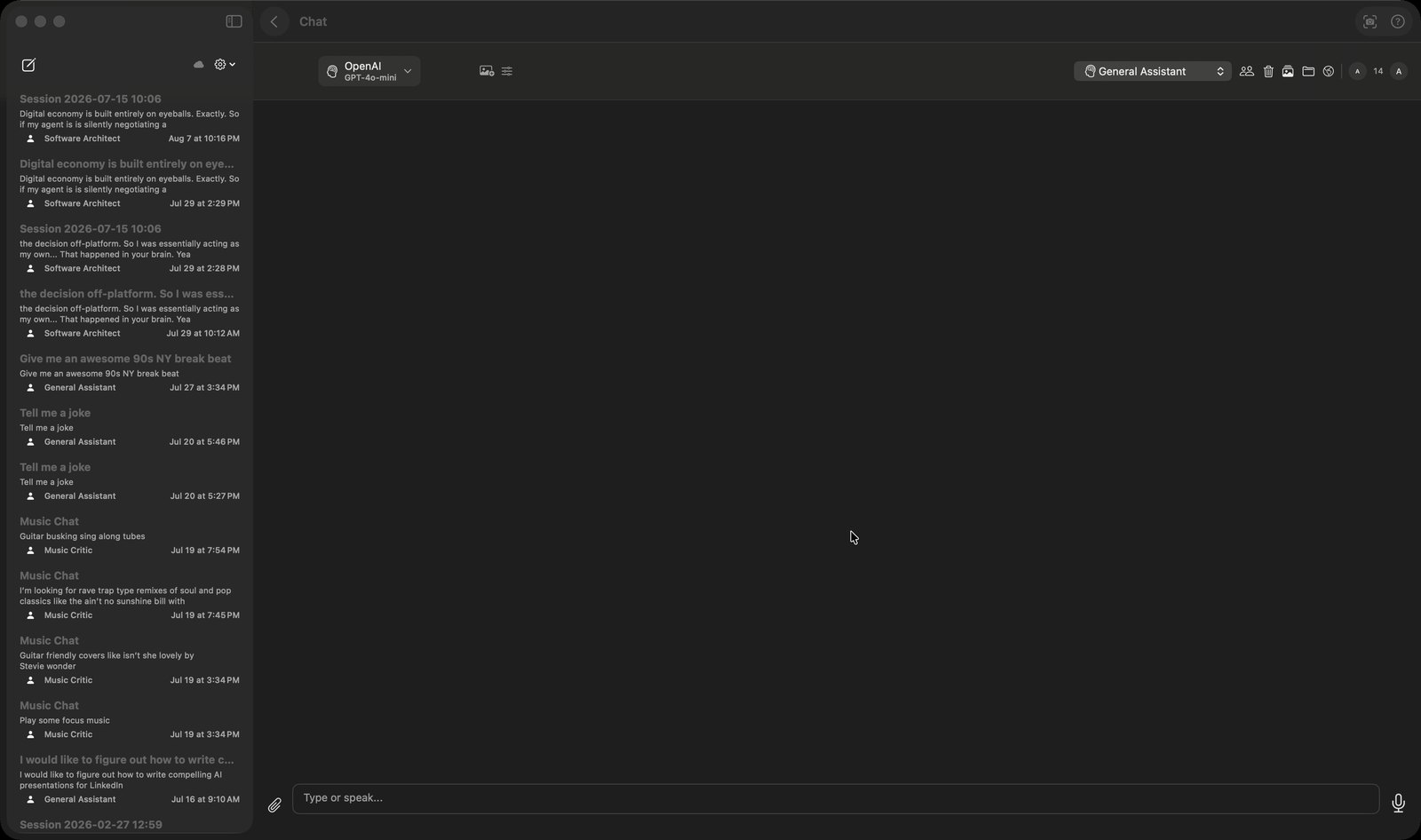
Chat
Chat with AI. One chat window for every model you've set up; it can search the web or read a project folder first.
Hands Free AI
Voice-powered chat. Dictate long-form into a transcript you can edit, then send the whole thing to the chat at once.
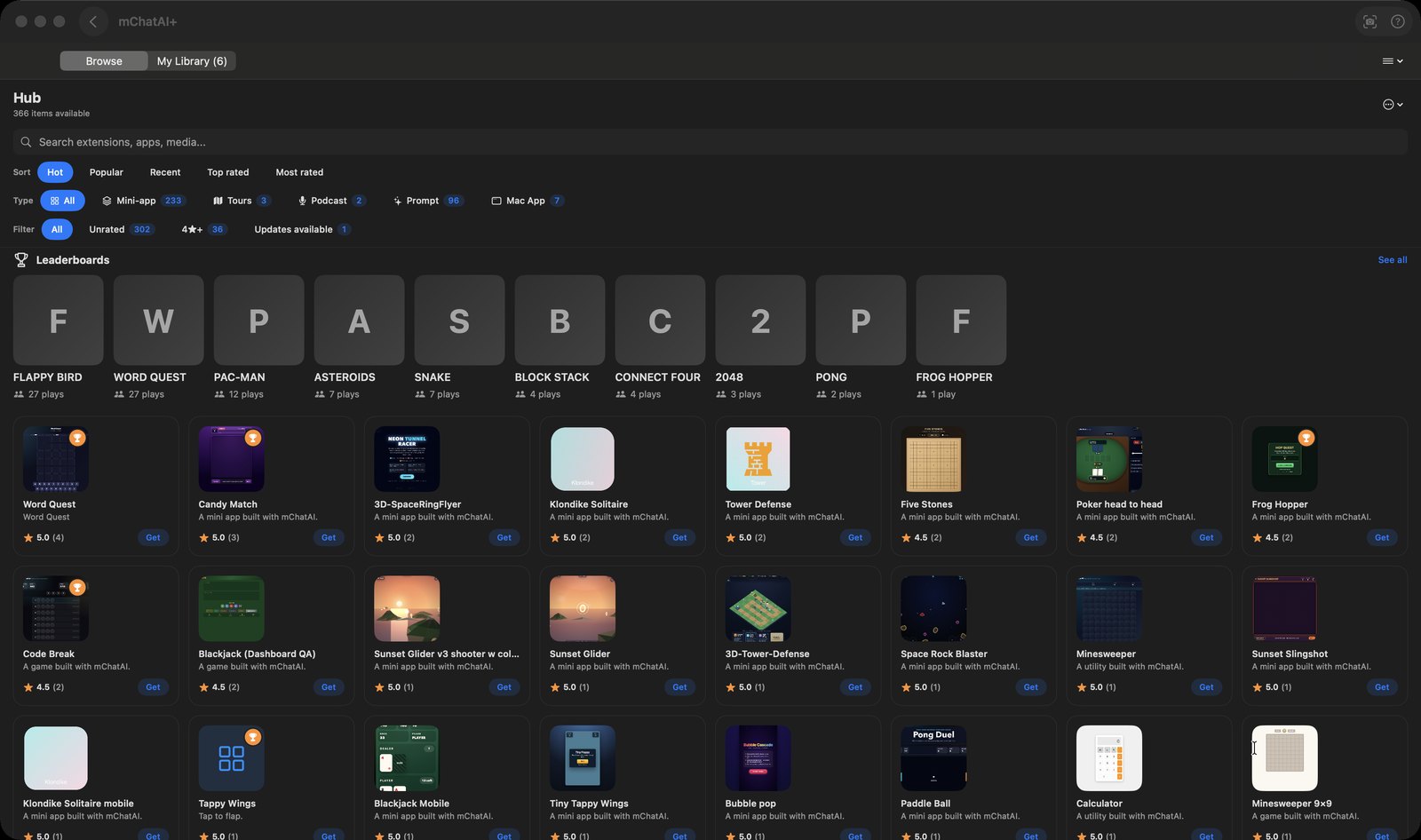
Hub
Apps, games & more. Browse and install what other people built with the app: mini-apps, games, prompts, map tours.
Audio
Listening, recording, and turning text into sound.
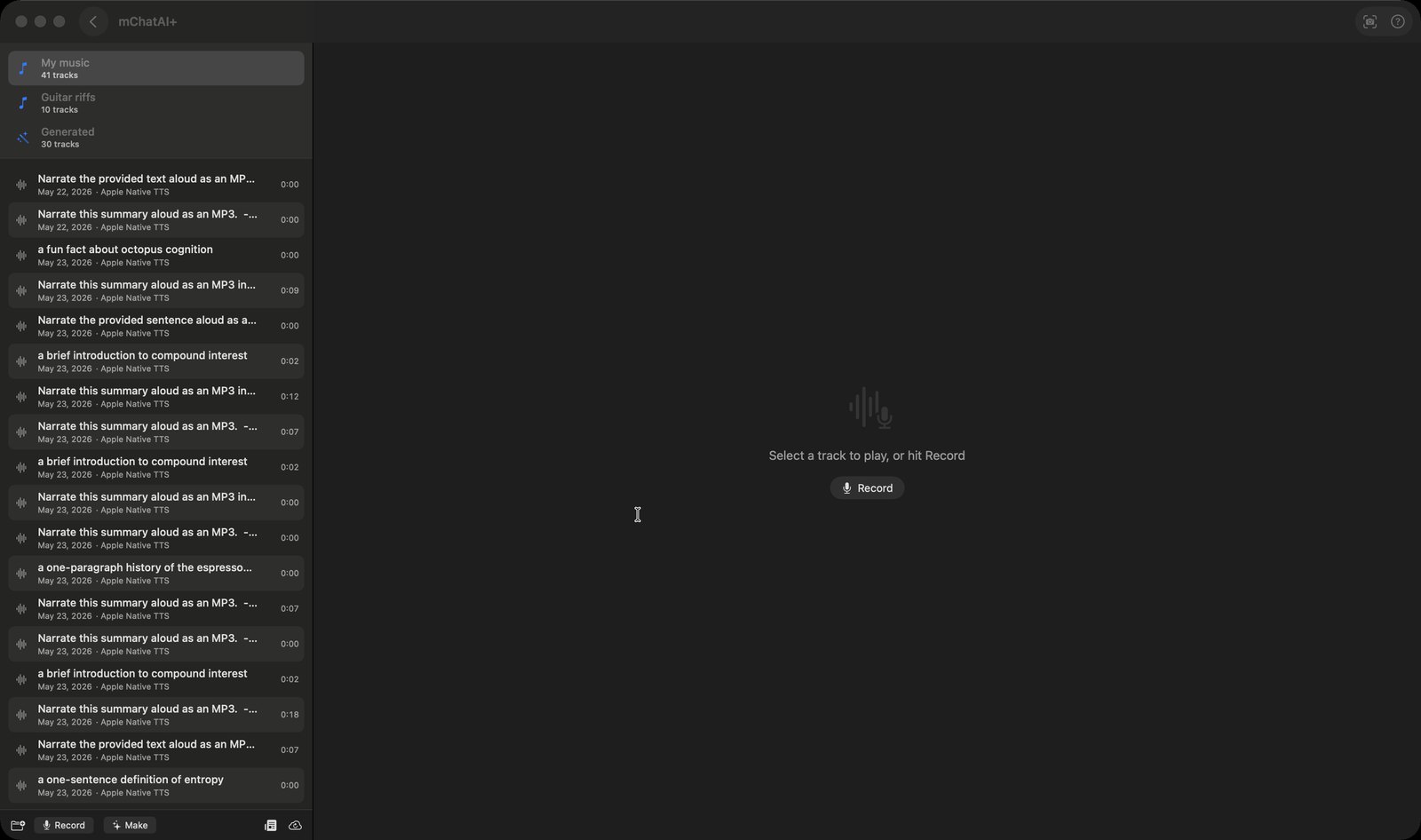
AI Audio
Audio library & recorder. Record, generate, trim and mix audio in one library that syncs to your iPhone over iCloud.
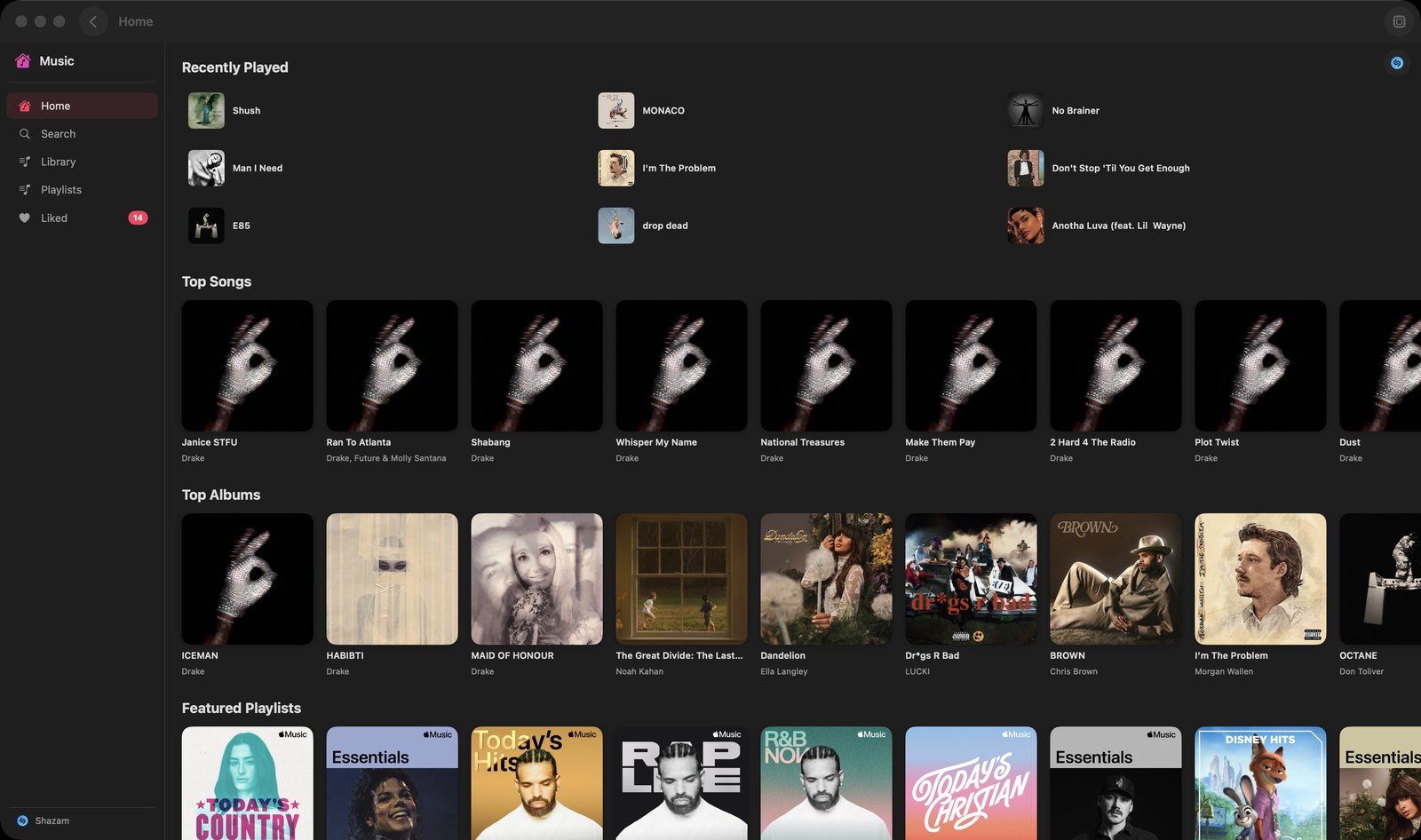
AI Music
Stream & discover music. Browse and play Apple Music inside mChatAI+, with Shazam, likes and your own playlists.
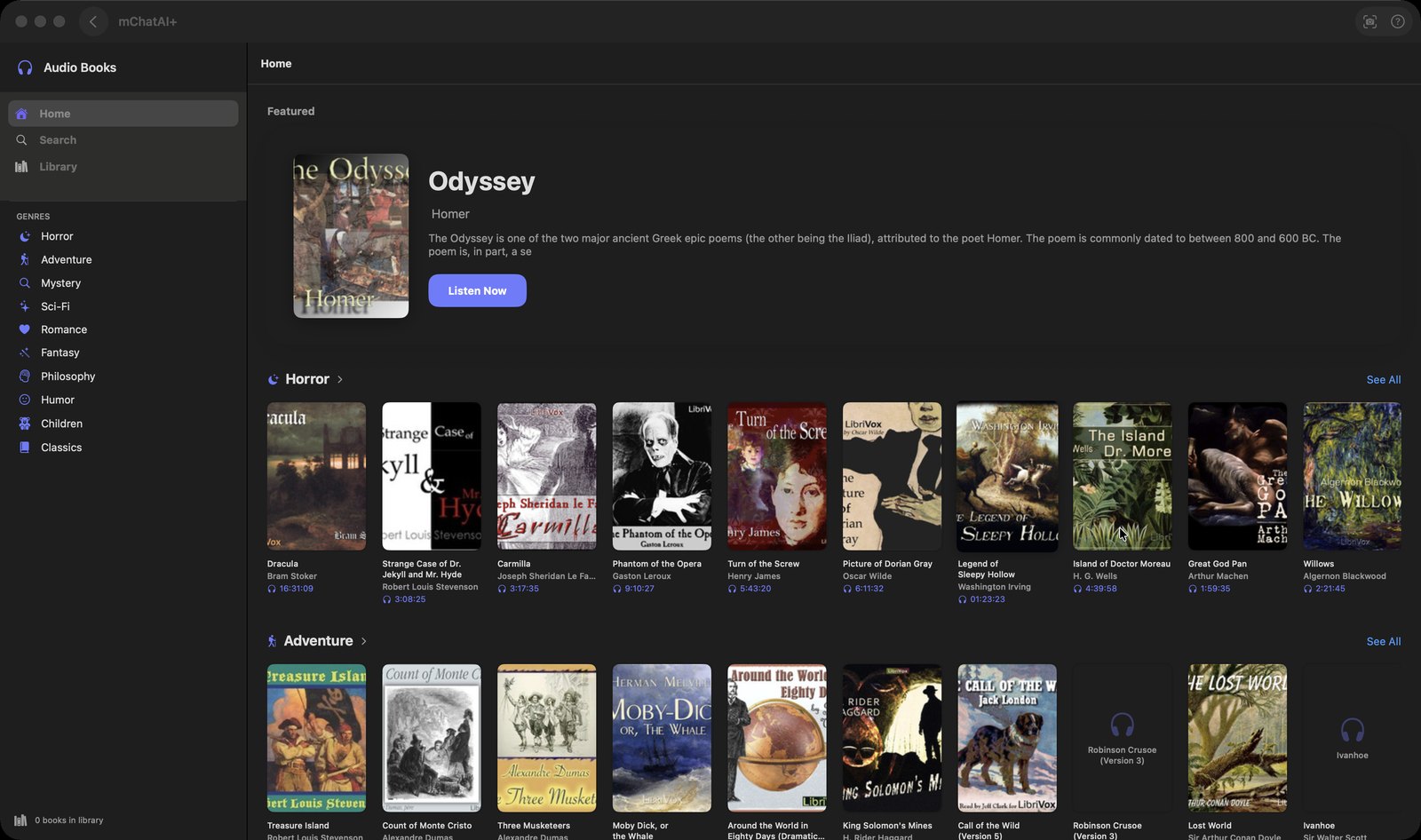
Audio Books
Listen to audiobooks. Stream free public-domain audiobooks from LibriVox and pick up exactly where you stopped.
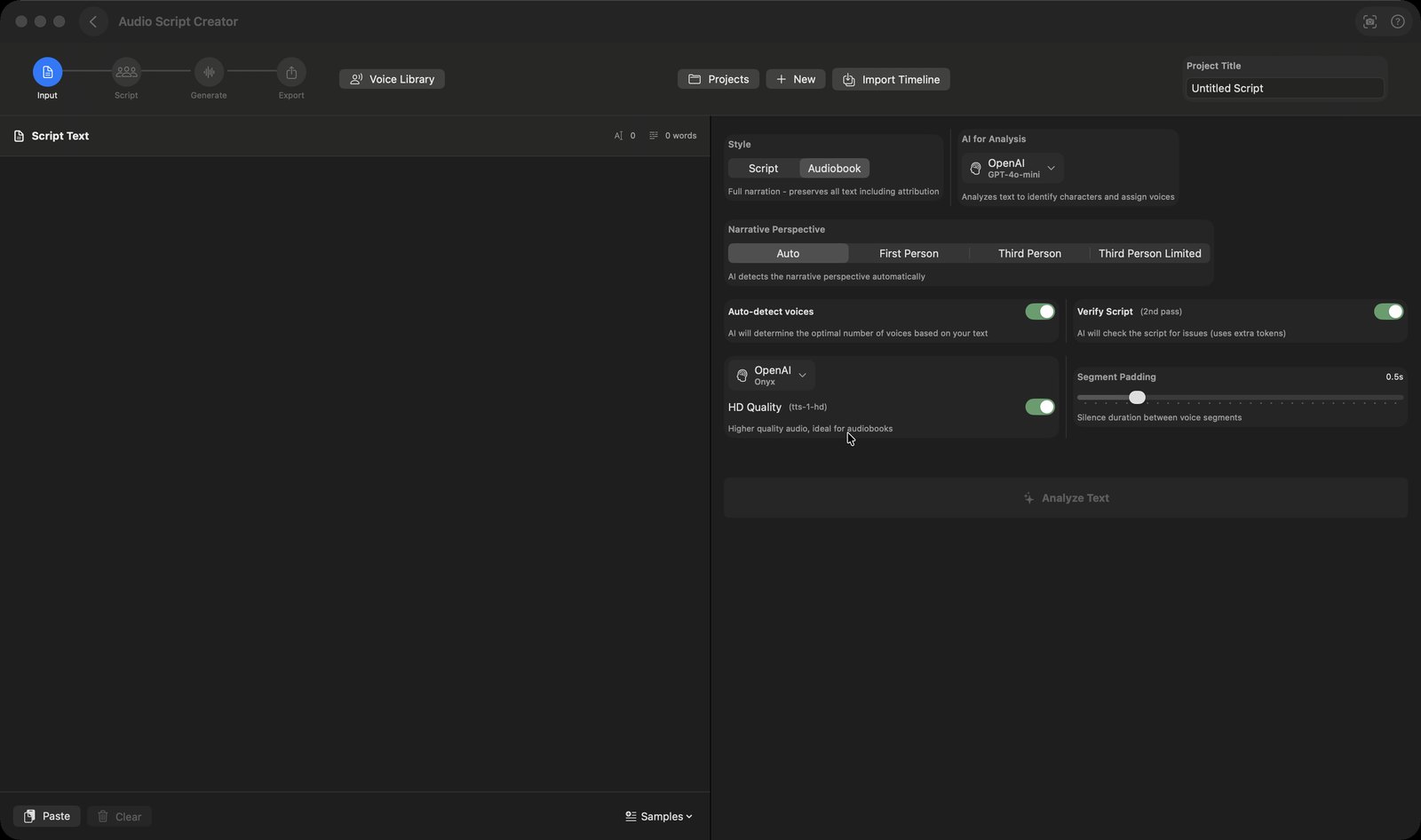
Audio Script Creator
Multi-voice audiocasts. Turn a story into a multi-voice audiobook: AI casts the characters, you direct, it renders one file.
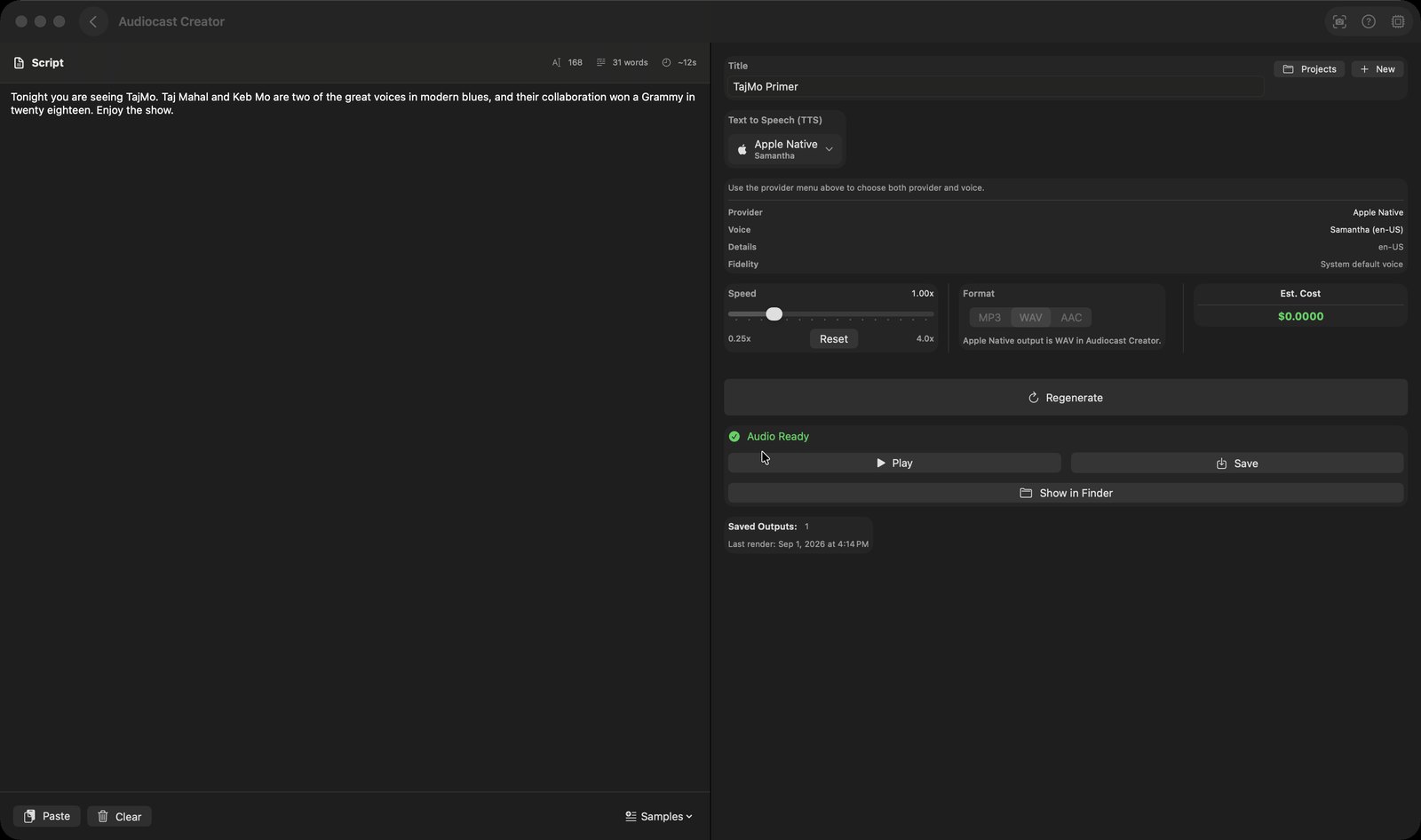
Audiocast Creator
Text into audio. Paste text, pick a voice, and get a narrated audio file — filed into your Audio Library automatically.
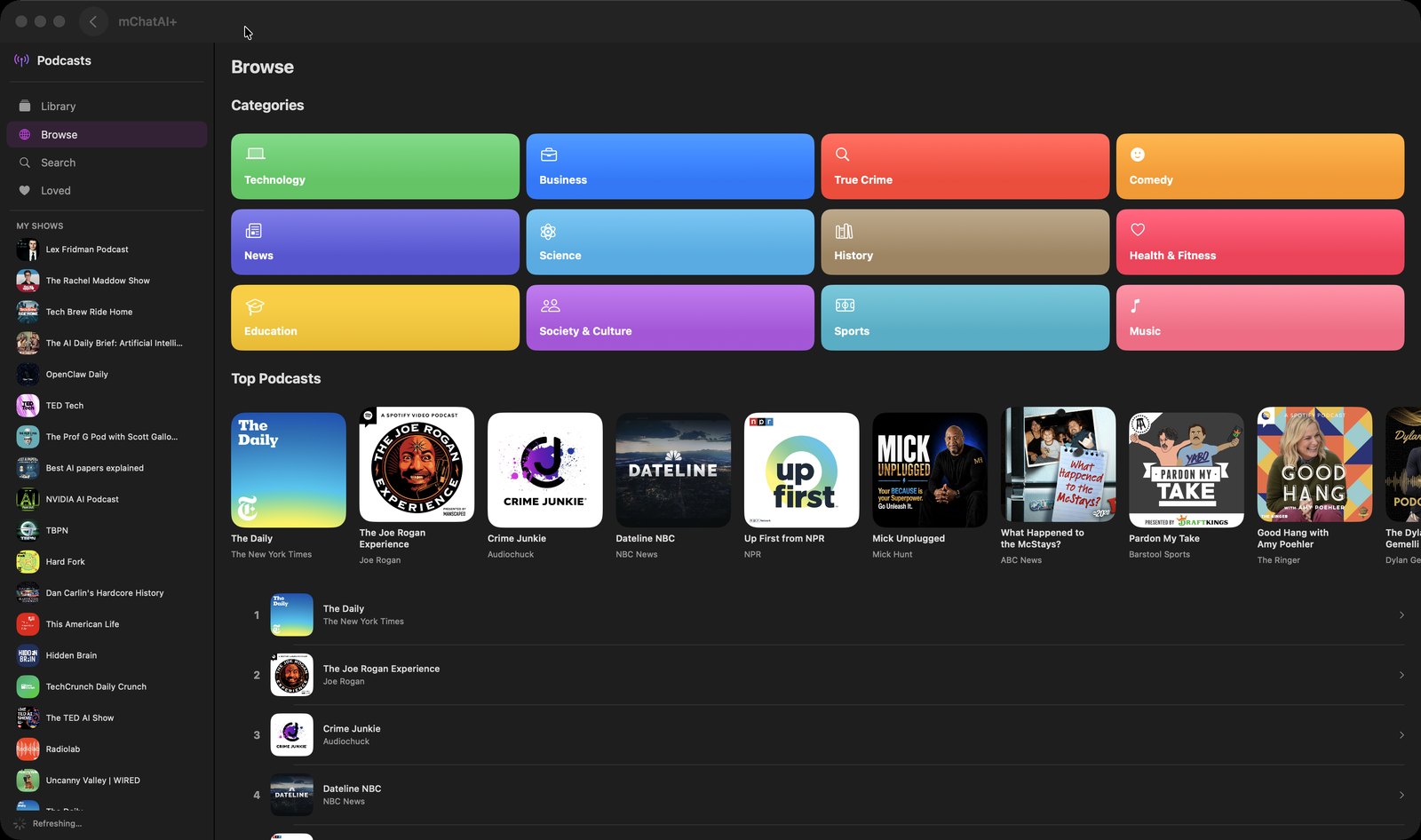
Podcasts
Discover & listen. Follow shows, download episodes, and let AI mark the ad breaks so you can skip them.
Reading & research
Browsing, reading, and keeping up.
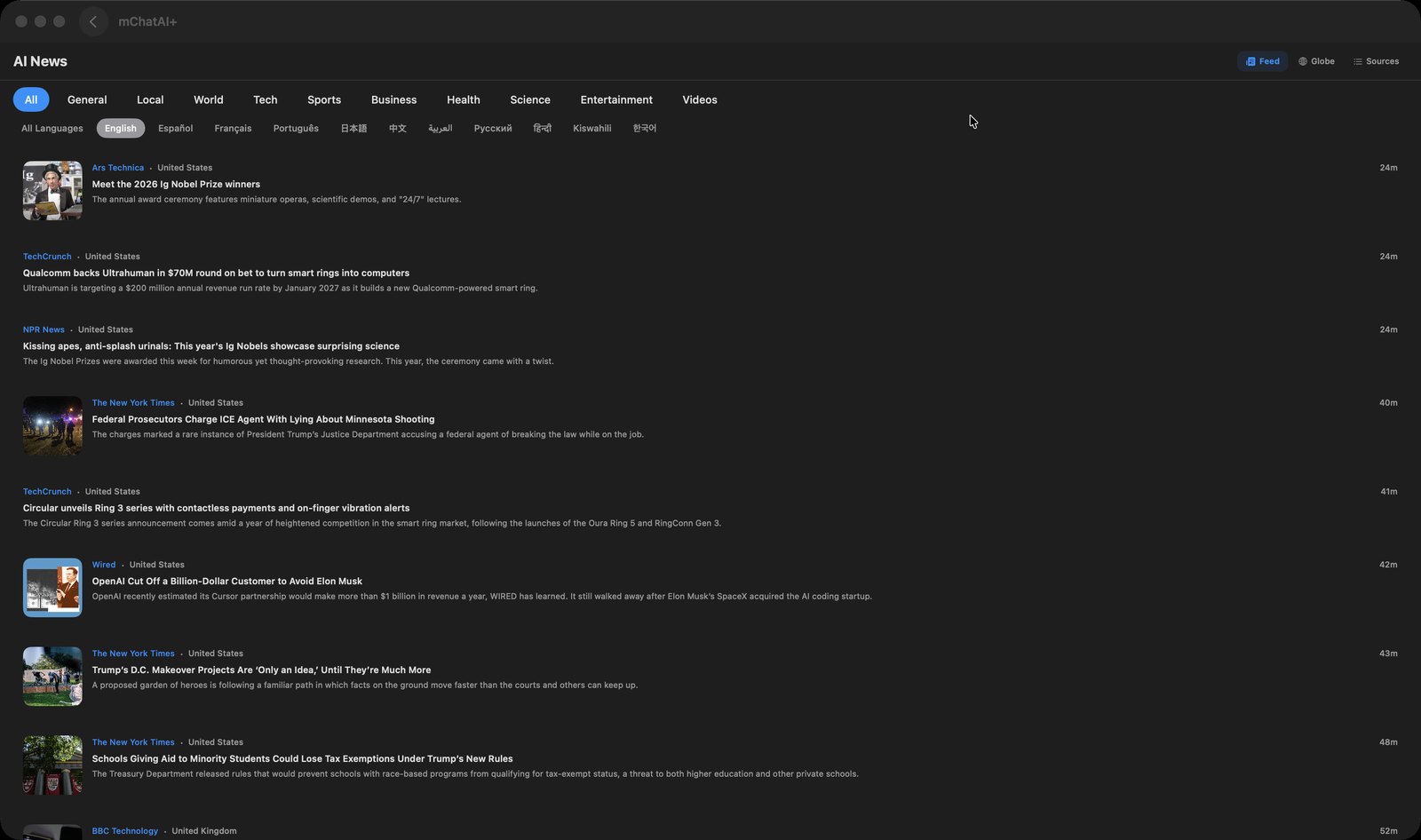
AI News
Global headlines & RSS. Headlines pulled live from dozens of RSS feeds, filtered by category, language, or a pin on a map.
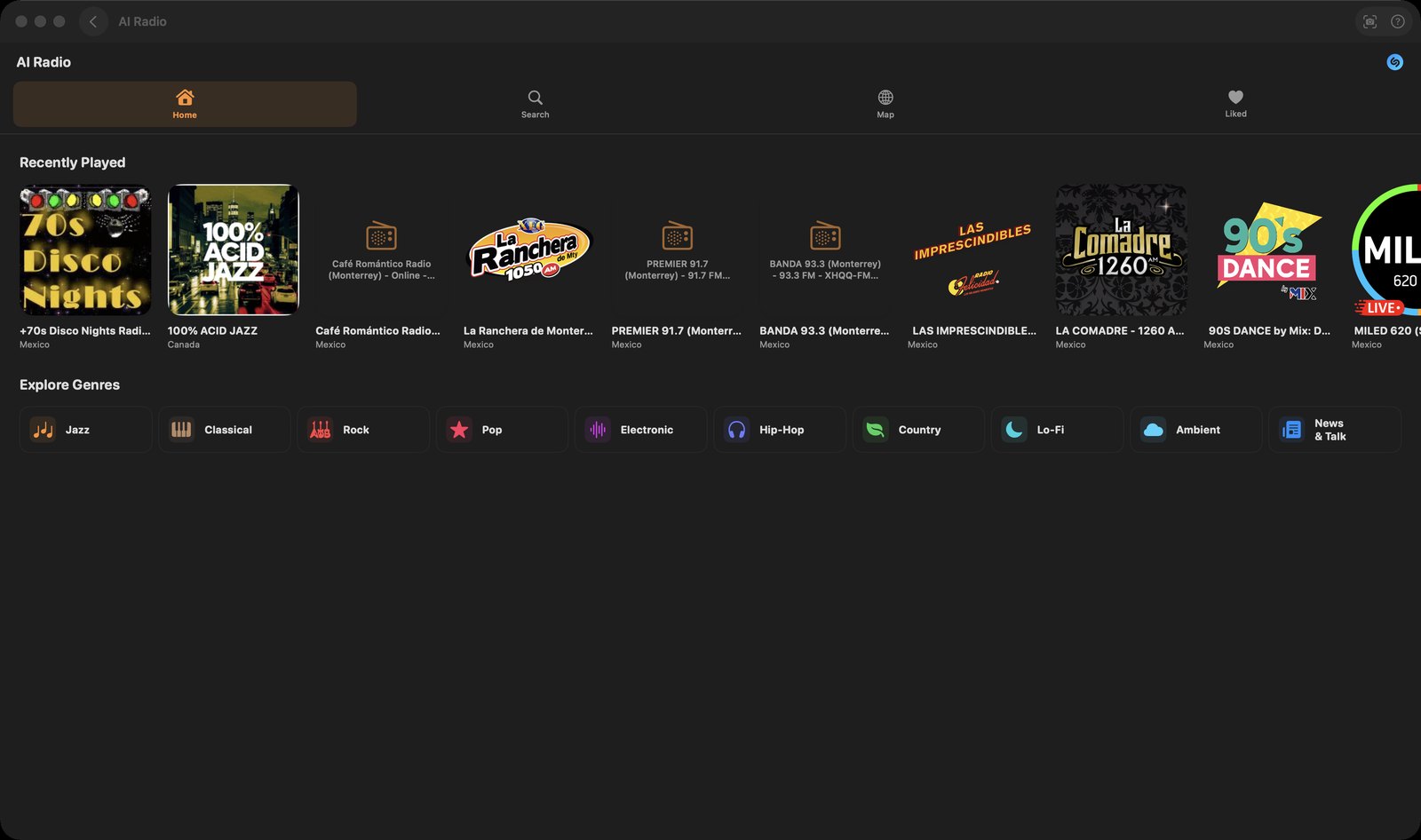
AI Radio
Global station discovery. Stream live radio from around the world, and transcribe or translate a station as it plays.
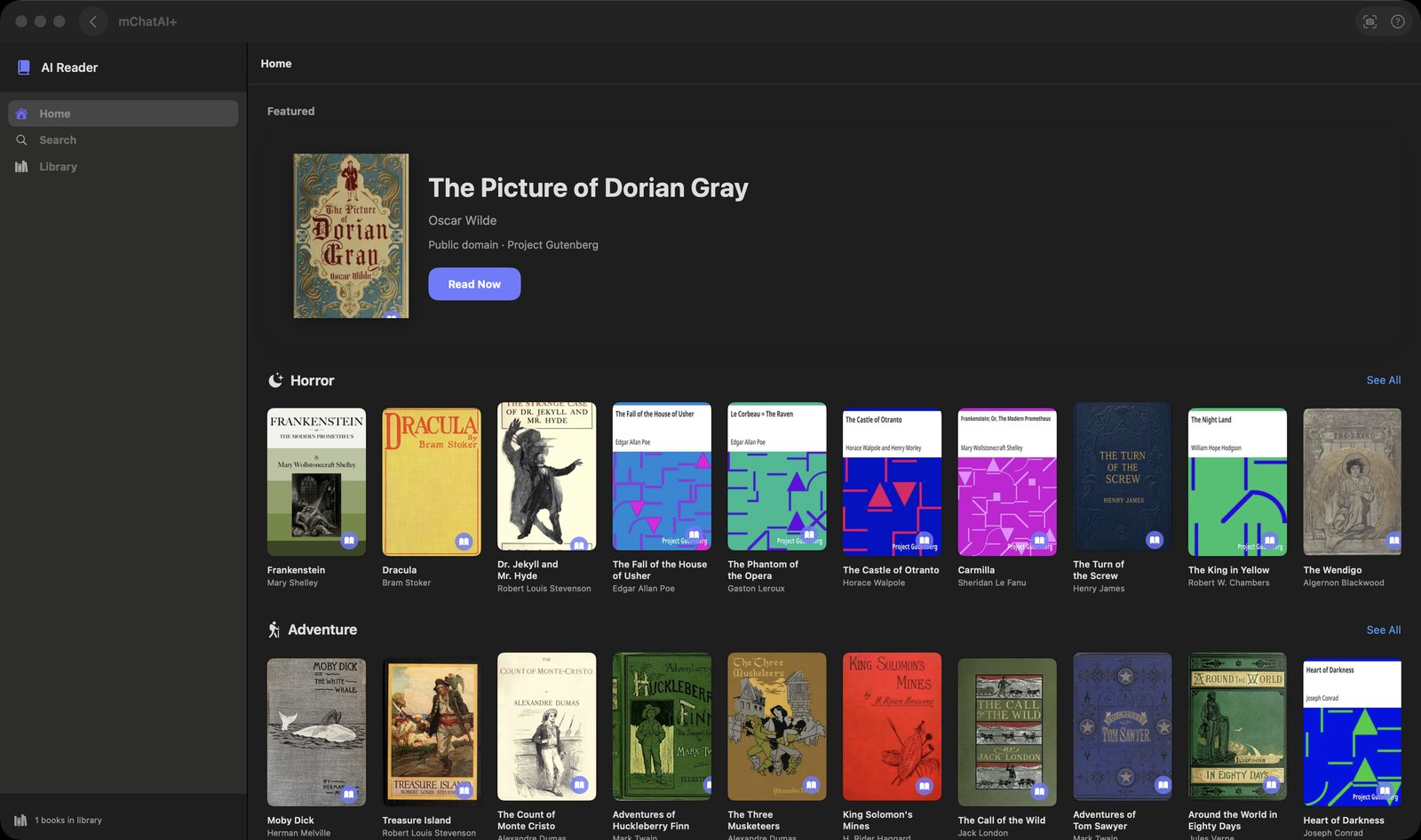
AI Reader
Digital library & explorer. Search Gutenberg, Open Library and Wikipedia, then read public-domain books inside the app.
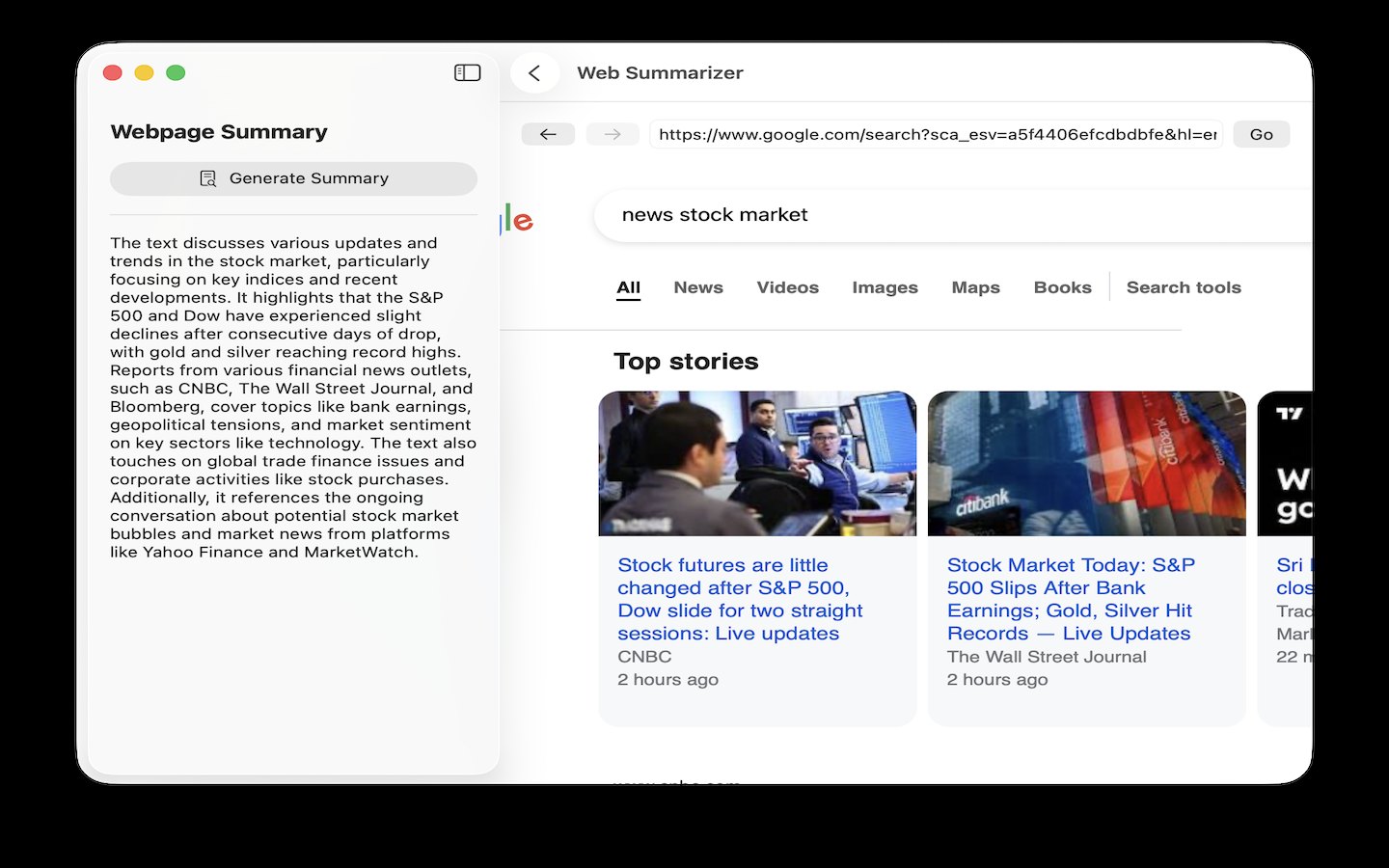
AI Web
Browse with AI alongside. A browser inside the app, with a sidebar that summarizes the page and scores links for relevance.
Quiznect
AI quiz & study platform. Type a subject, get a multiple-choice quiz with explanations, then study it in five-question rounds.
Wikipedia
The free encyclopedia. Search Wikipedia, read the article in a side pane, and keep what you want on a saved-pages shelf.
Tools
Focused jobs: tasks, places, decks, video, images.
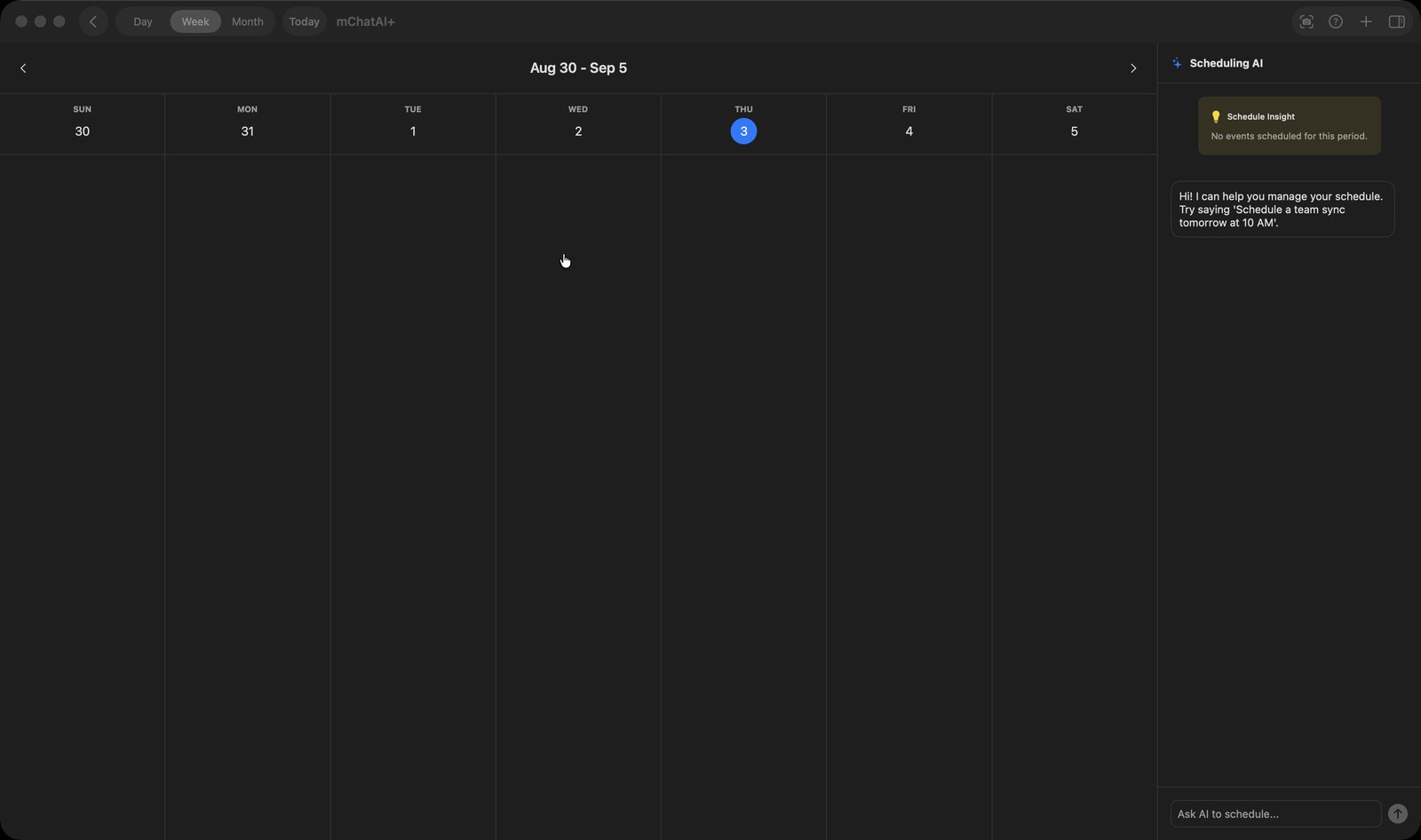
AI Calendar
Smart agenda & scheduling. Your Apple Calendar in a day or week view, with a sidebar where you type an event in plain English.
AI Contacts
Smart address book. Apple Contacts with your own favorites, groups and CRM notes, plus AI web research on a person.
AI Files
Browse, preview, ask. Browse the folders and drives you give it access to, preview almost any kind of file, and start a chat about the files you pick.
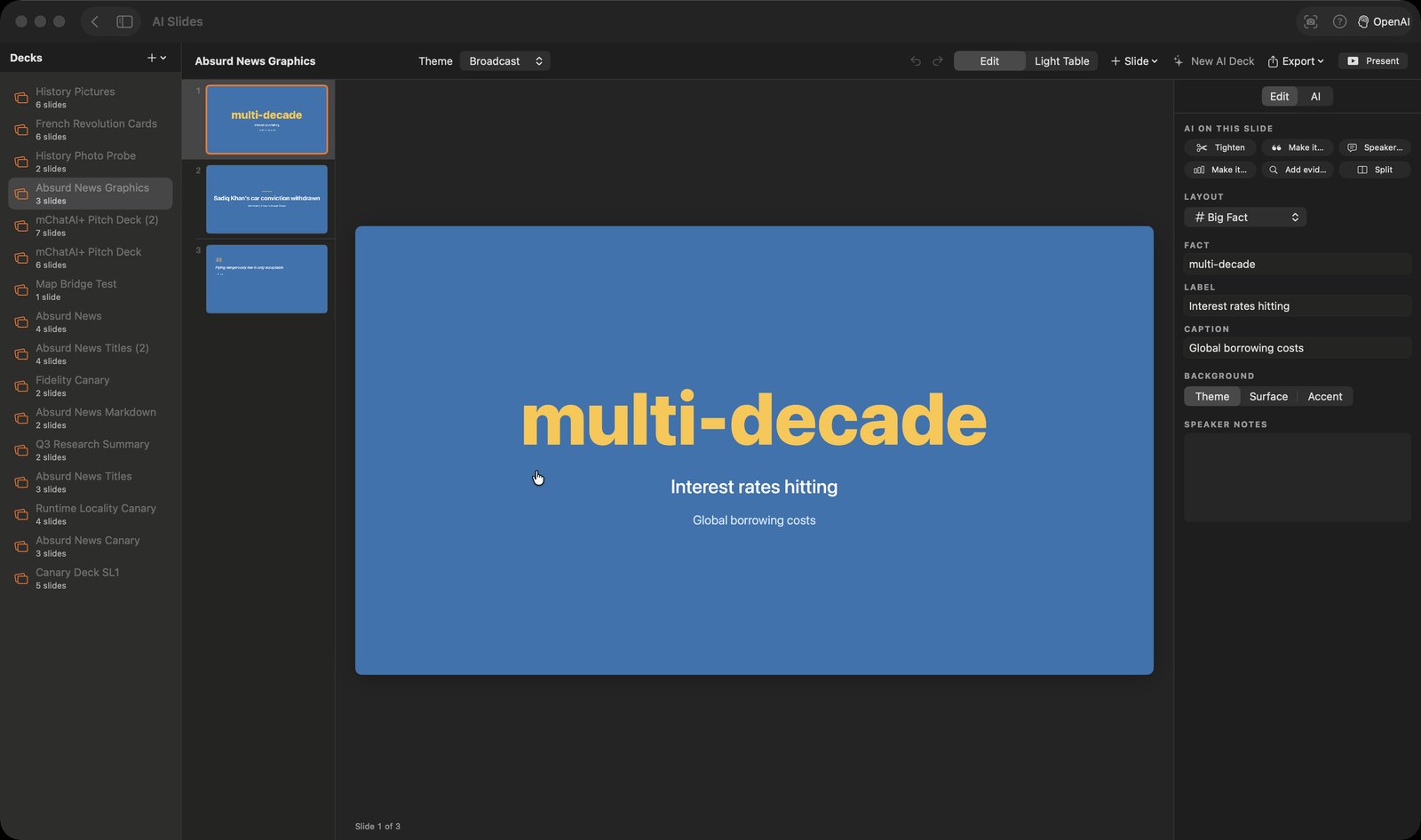
AI Slides
Presentations, drafted by AI. Describe a deck, approve the outline, then edit the slides, present them, or export a PDF.
AI ToDo
Smart task management. Task lists that sync to your iPhone, plus a panel that turns one task into a list of subtasks.
AI Weather
Hyper-local forecasts. A weather screen over a live radar map, with saved spots for skiing, surfing, sailing or hiking.
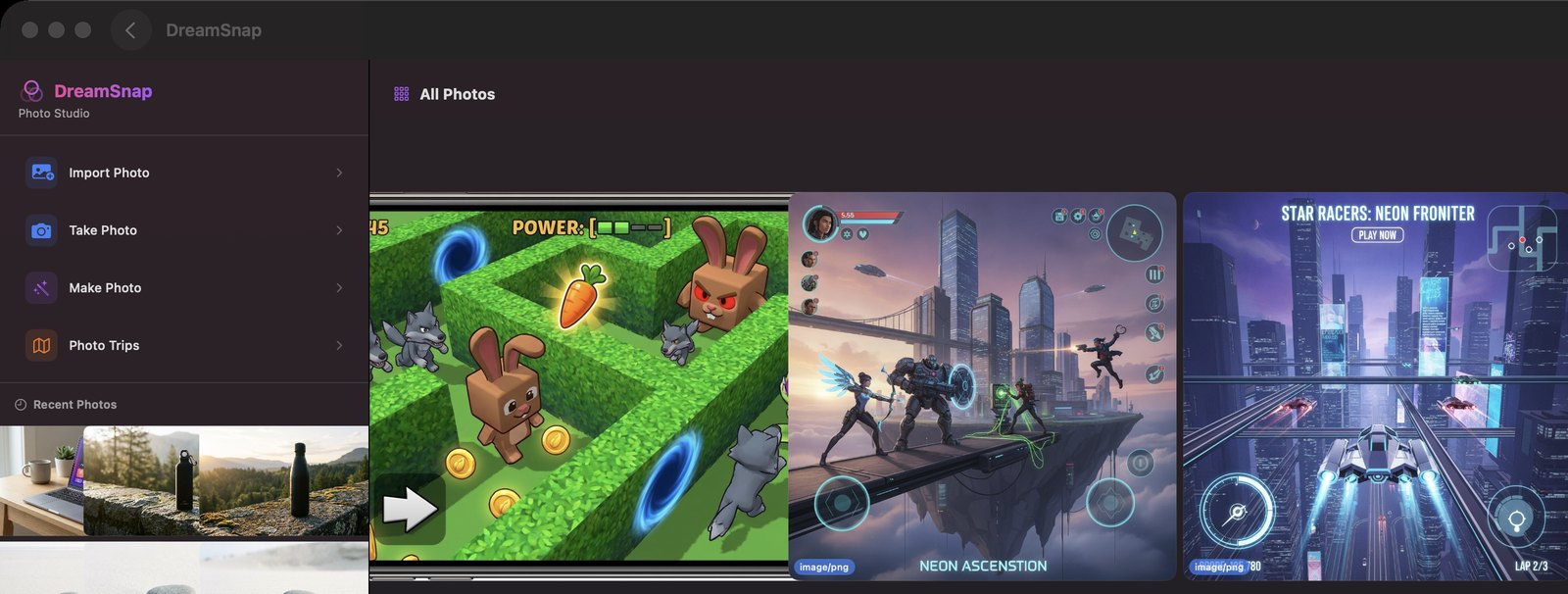
DreamSnap
AI photo & video studio. Make photos and video from a prompt, or edit your own with painted masks and local sliders.
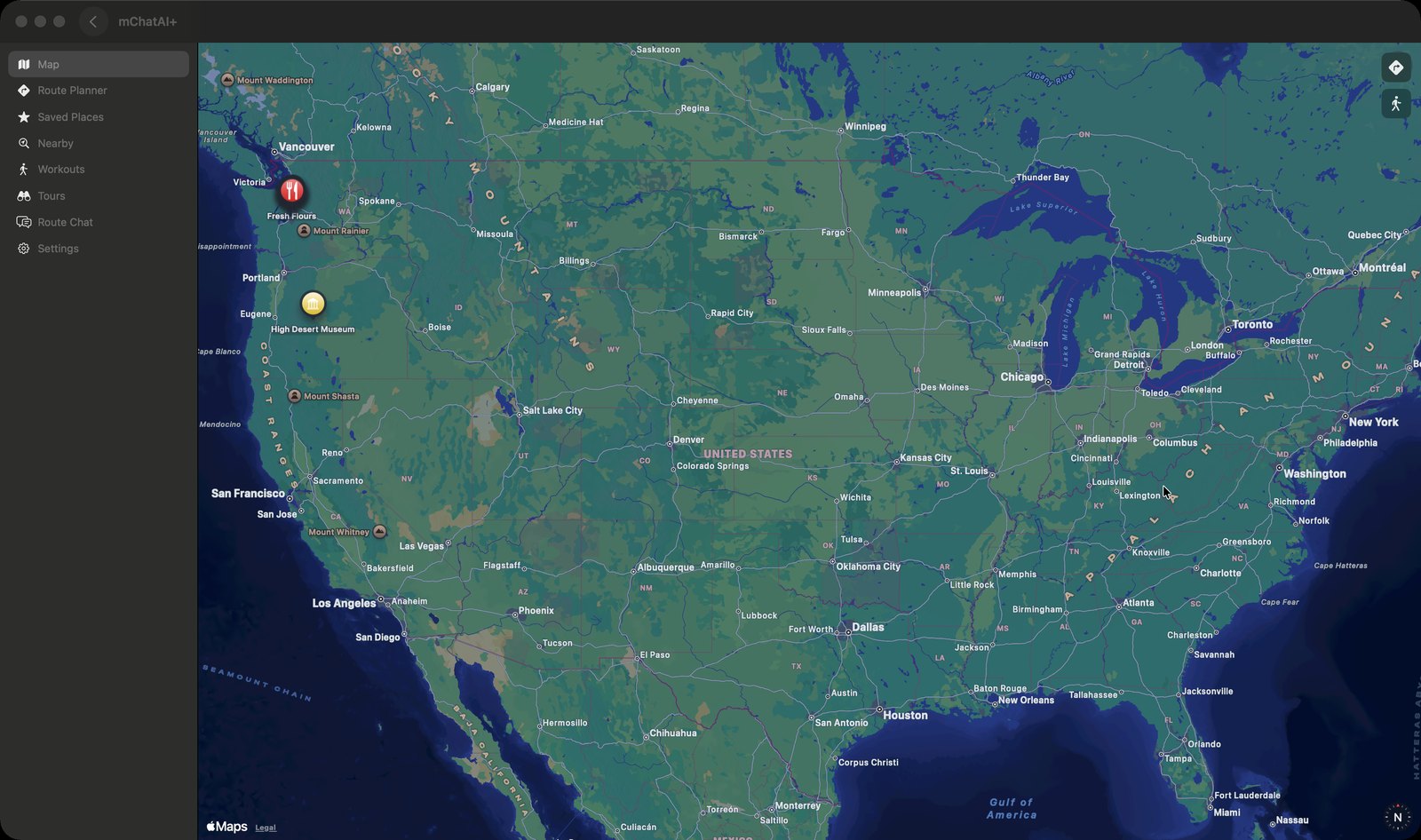
MapGuide
Location intelligence. A map for saved places, route planning and workout tracking, plus AI-built tours you can publish.
StoryMaker
AI writing coach. A long-form writing tool where the AI edits your prose against a story bible you keep.
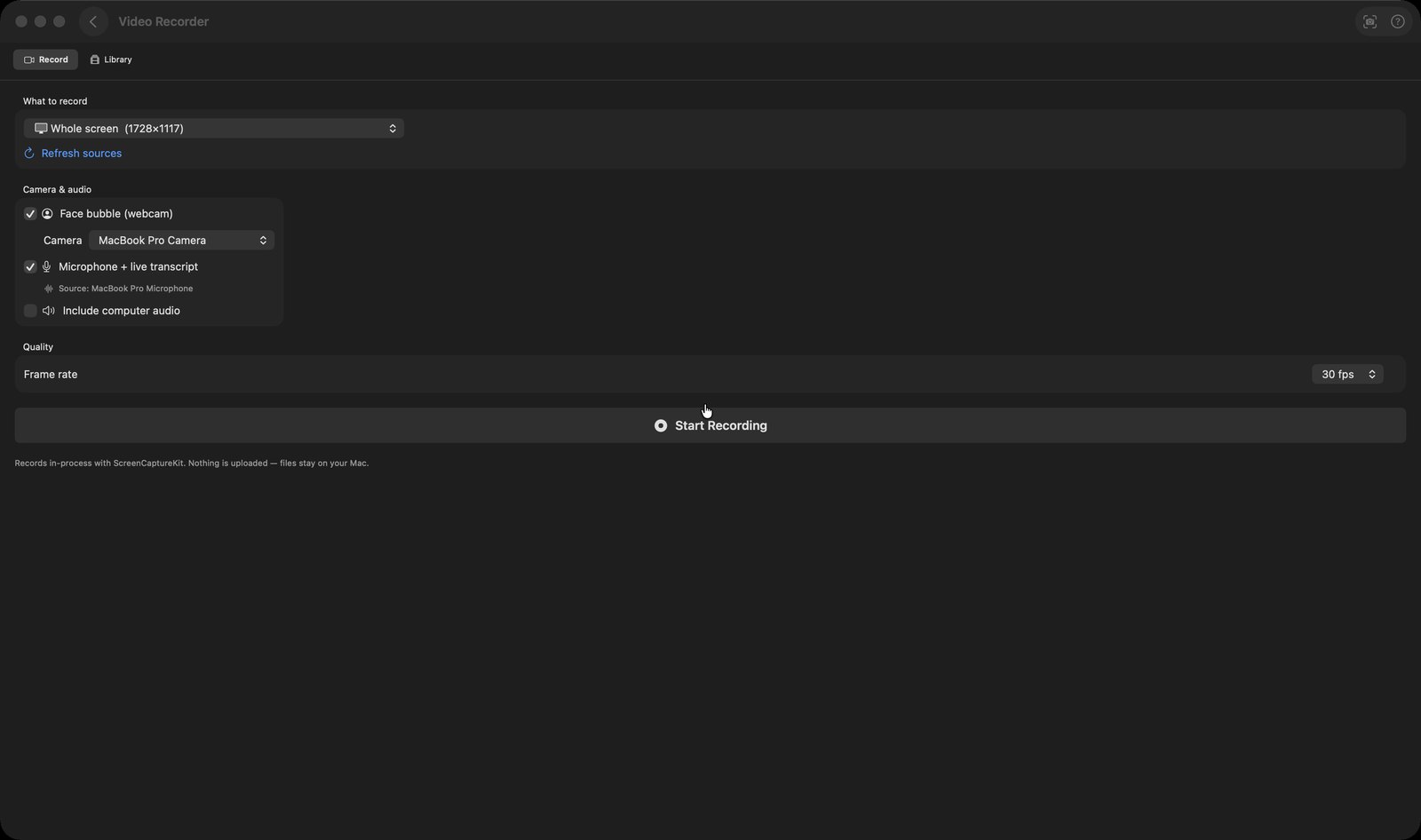
Video Recorder
Screen + camera recorder. Screen and webcam recording, then an editor that cuts out your ums and dead air.
The platform
The parts that tie every applet together.
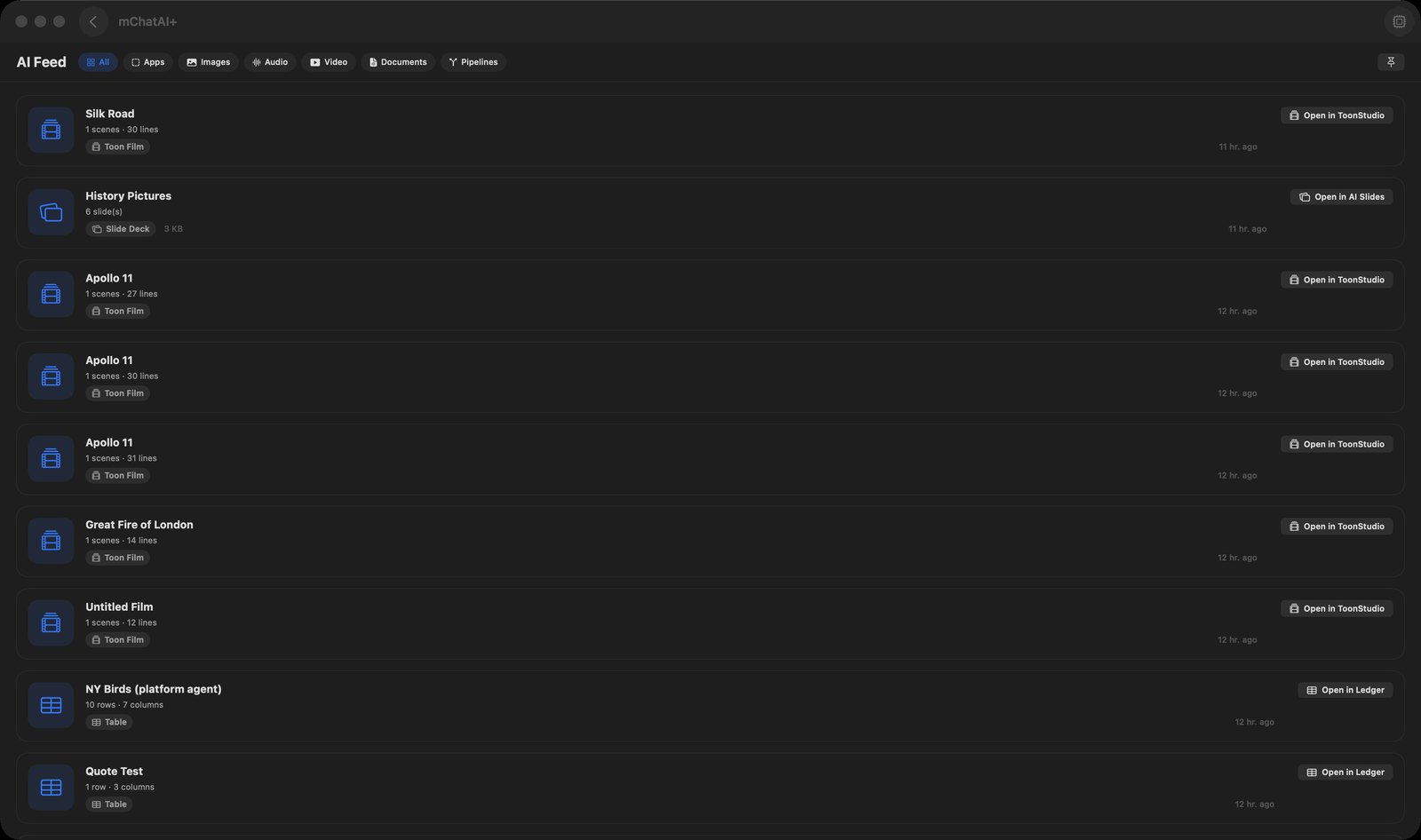
AI Feed
Your AI activity stream. A gallery of the things you've made across the app, with a button that opens each one where it lives.
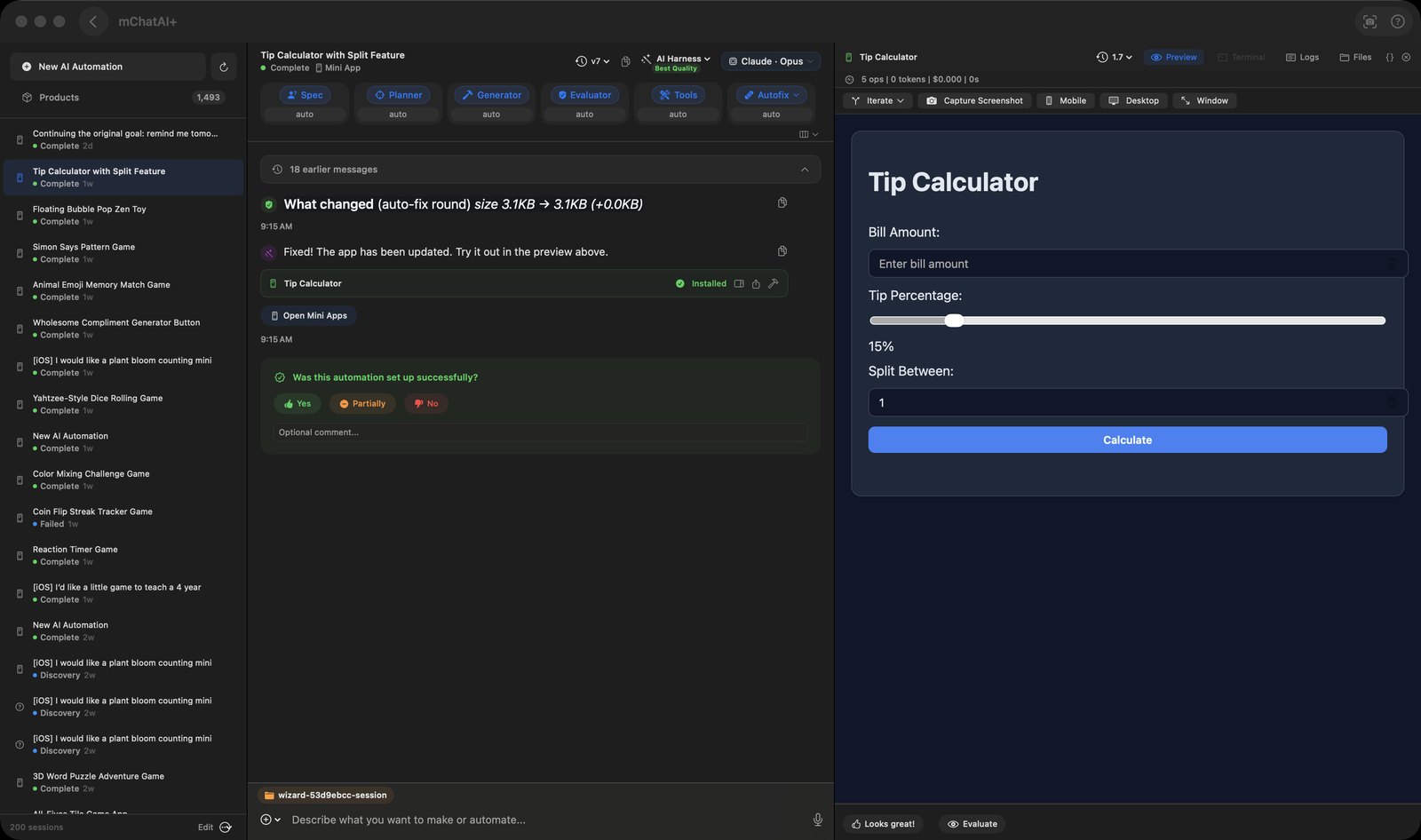
AI Harness
Build automations with AI. Describe what you want built and it drives a coding agent on your Mac until you have something to run.
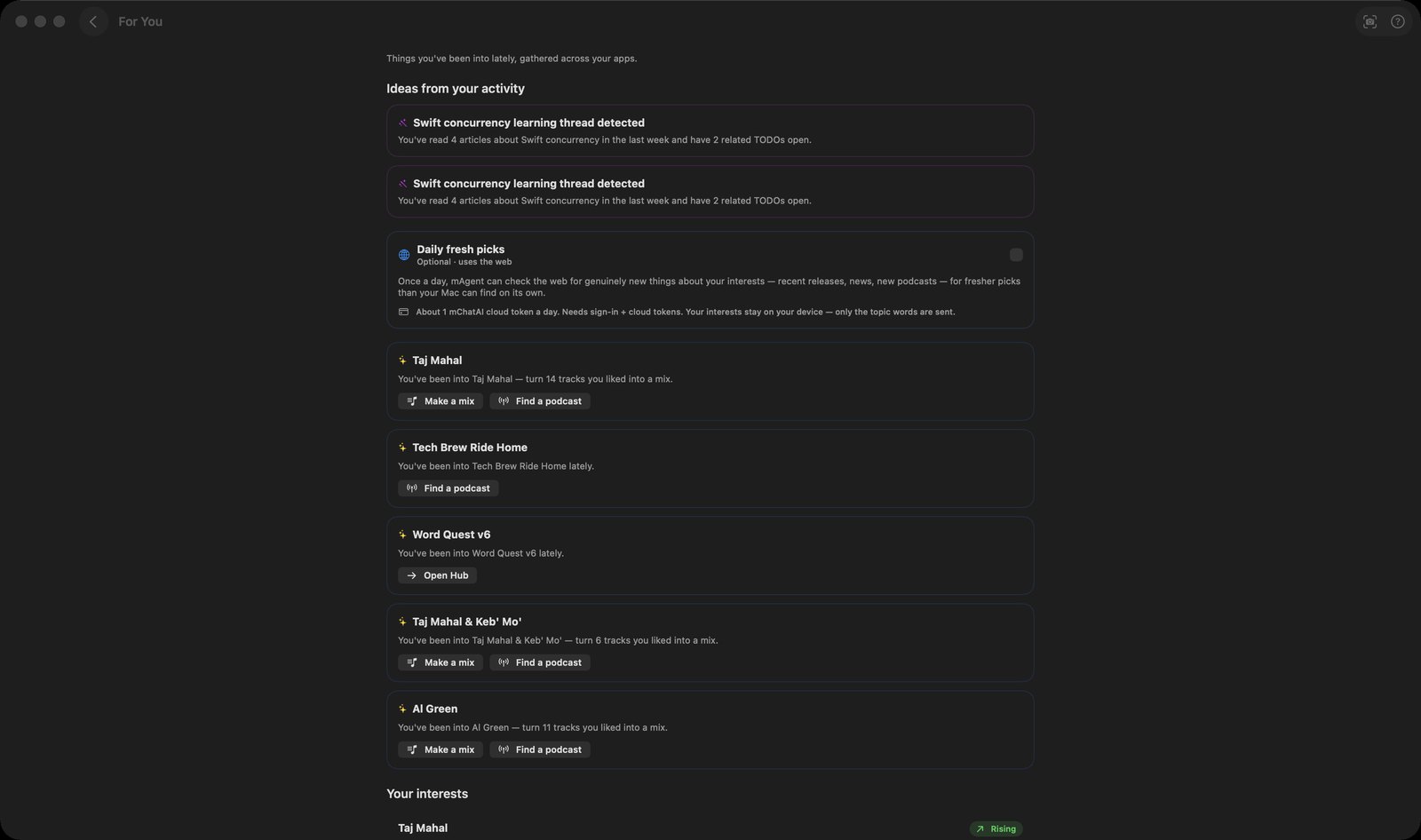
For You
Picks from your interests. Works out what you've been into lately from your own activity on your Mac, and offers a way back in.
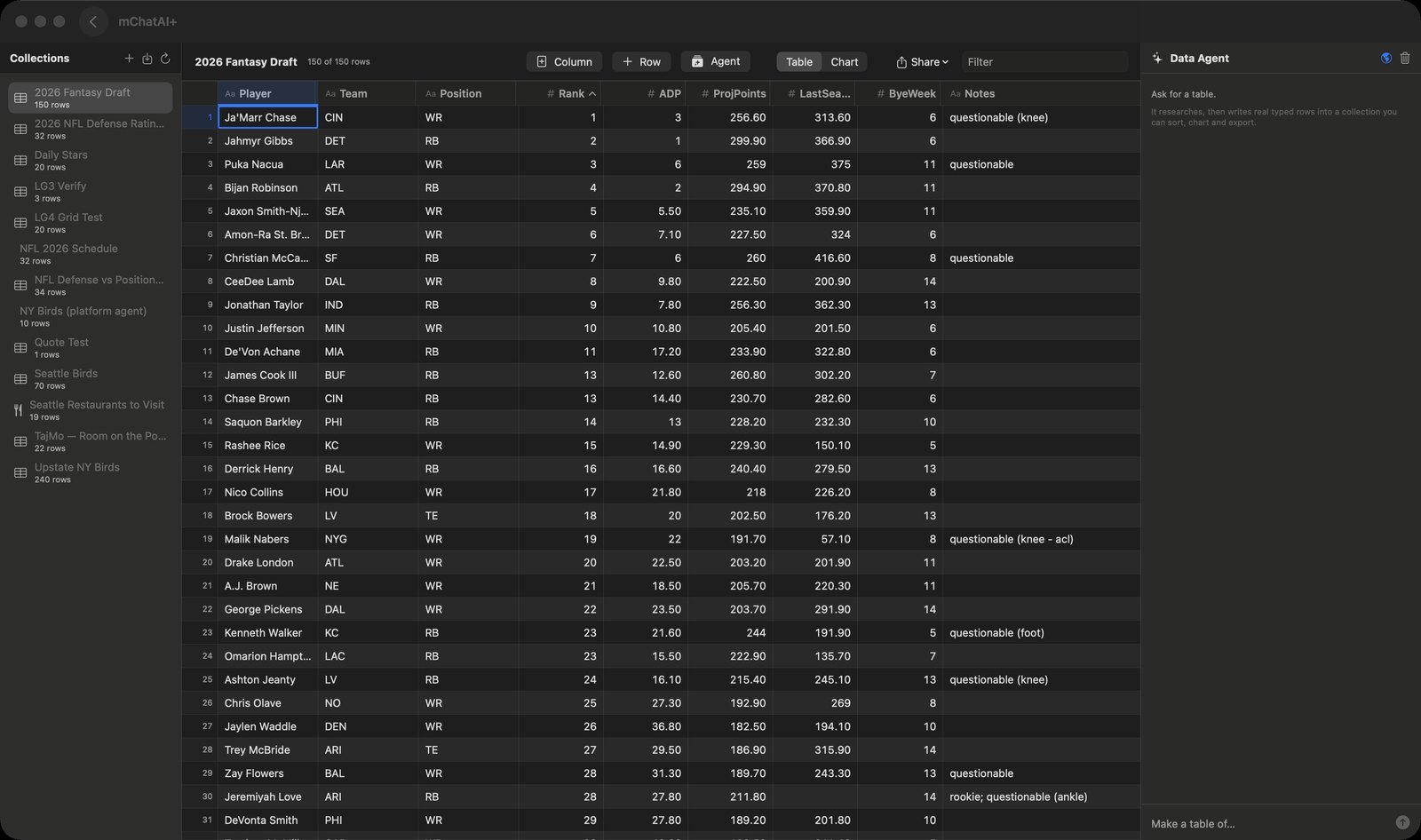
Ledger
Your data, in rows. A spreadsheet-like home for typed rows that pipelines, agents and mini-apps can all read and write.
In the lab
Built and working, but only in the direct download of mChatAI+, behind the Show Experimental switch on the home screen.
AI Director
AI video editing. Describe the video you want, and it picks the clips, sets the cut points and renders the finished file.
AI Inbox
Smart triaged emails. Pulls unread mail from several Gmail accounts into one list and sorts it into Priority, Other and Junk.
Audio Studio
Audio editing & DJ. Arrange audio clips on a multi-track timeline, mix them, and bounce the result to a file.
Code Editor
Standalone coding assistant. Open any folder, browse and edit its files in tabs, with an AI panel docked underneath.
Git Browser
Changes, commits and history. See what changed in a git repository, choose the files for your next commit, and read its history and diffs, with git running on your own Mac.
Google Workspace
Gmail, Calendar, Drive & more. Connects your Google accounts through the gws command-line tool and pulls a read-only snapshot of their data.
Icon Maker
Design and export icons. A layered icon editor that exports a real .icns, an iOS app icon set or a favicon.
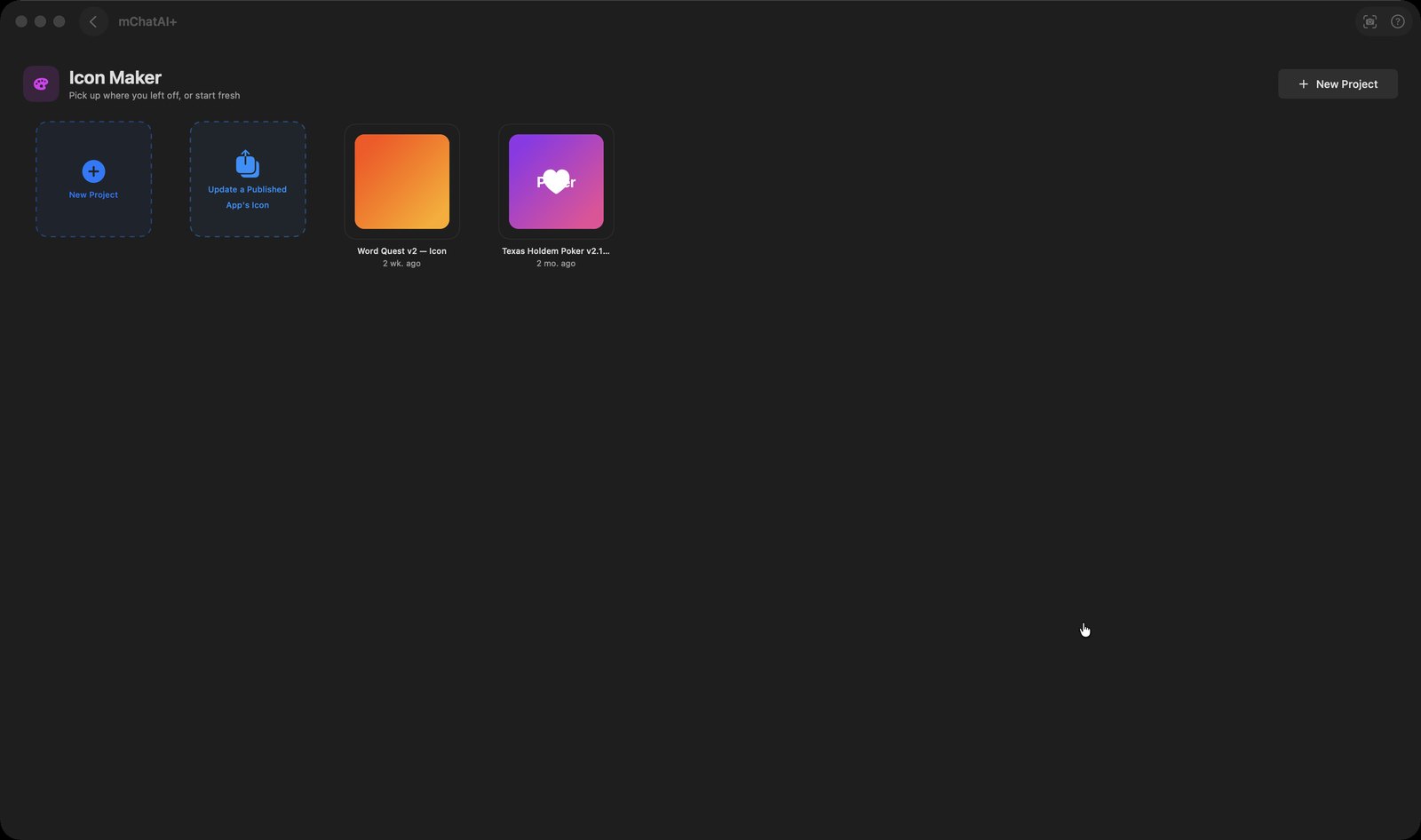
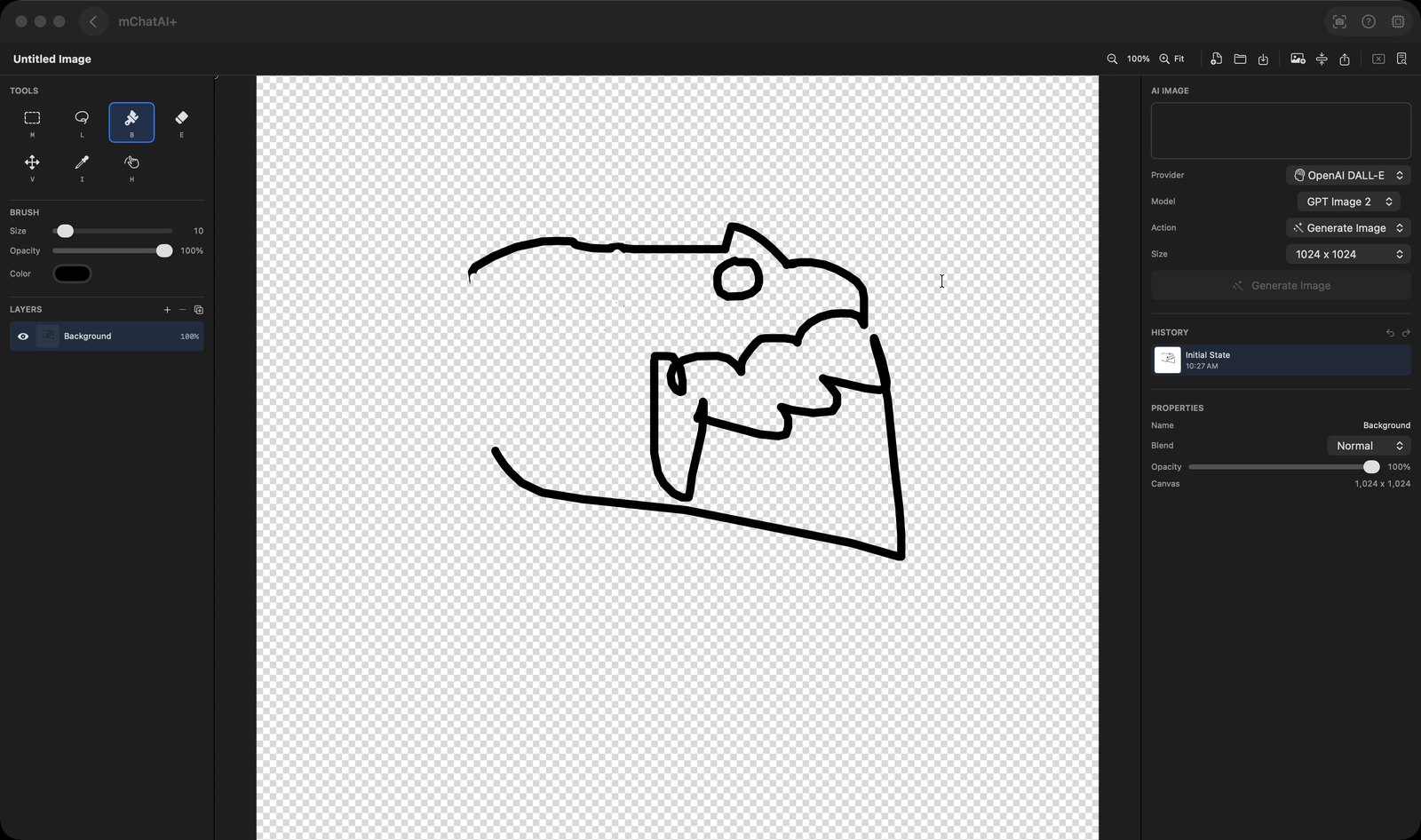
Image Studio
AI image creation & editing. Generate an image from a prompt, paint on it in a layered canvas, and export a flat PNG.
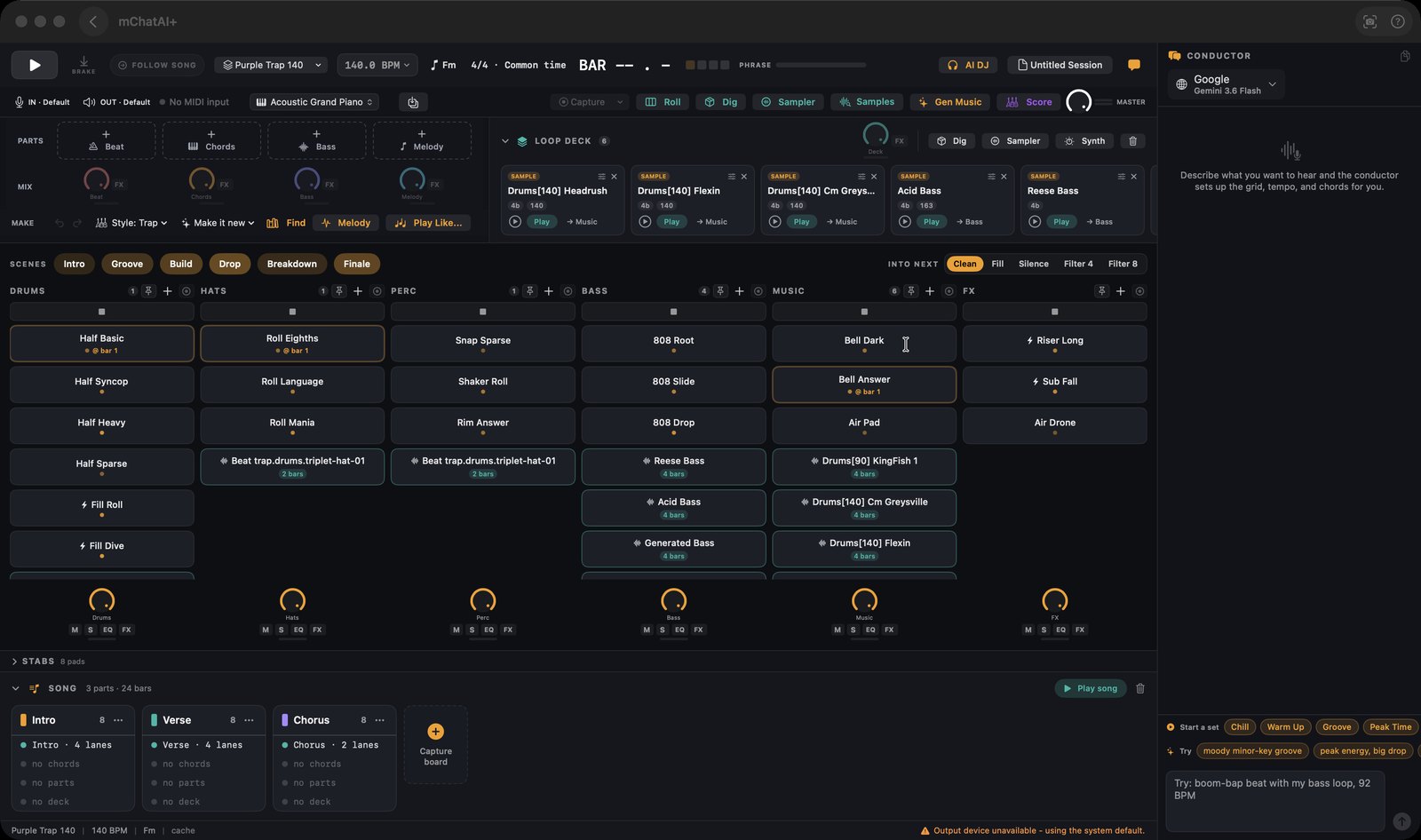
LoopStar
Loop performance instrument. Launch loops on a six-lane grid where every change lands on the bar, then export the song as a WAV.
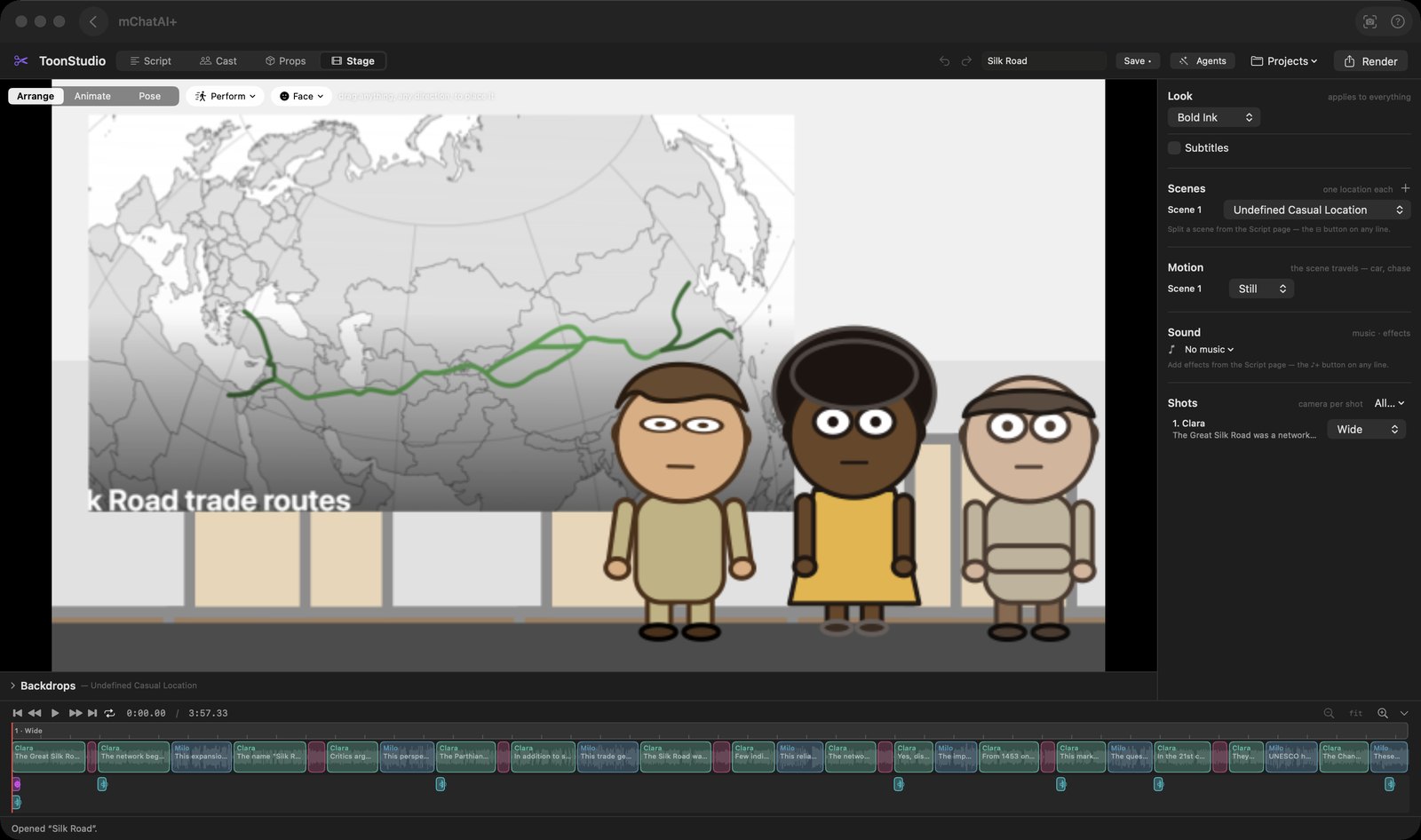
ToonStudio
Cutout animation studio. Type dialogue as "Name: line", give each character a voice, and export the cartoon as an mp4.
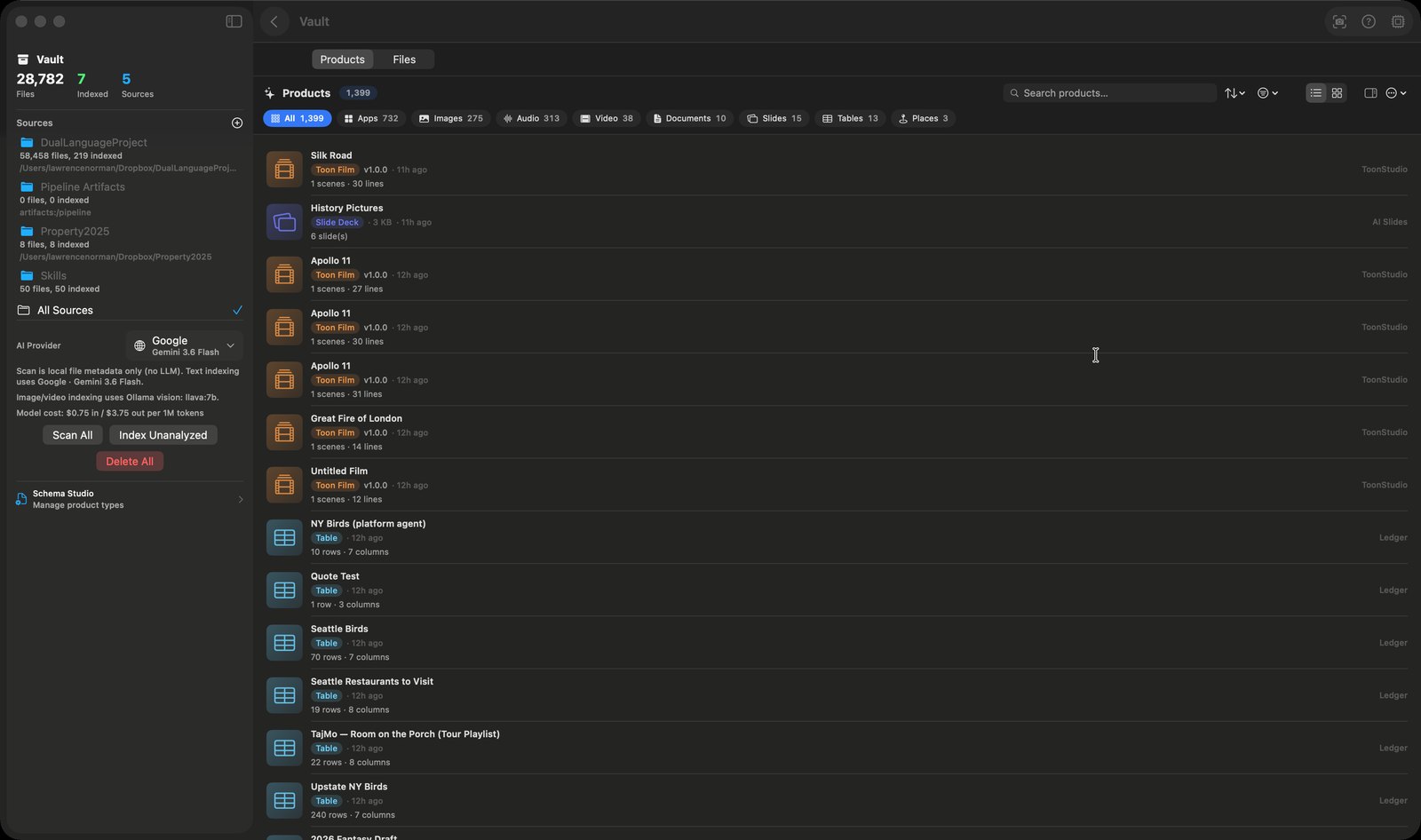
Vault
AI knowledge base. One searchable place for the files you point it at and everything you have made in the app.